

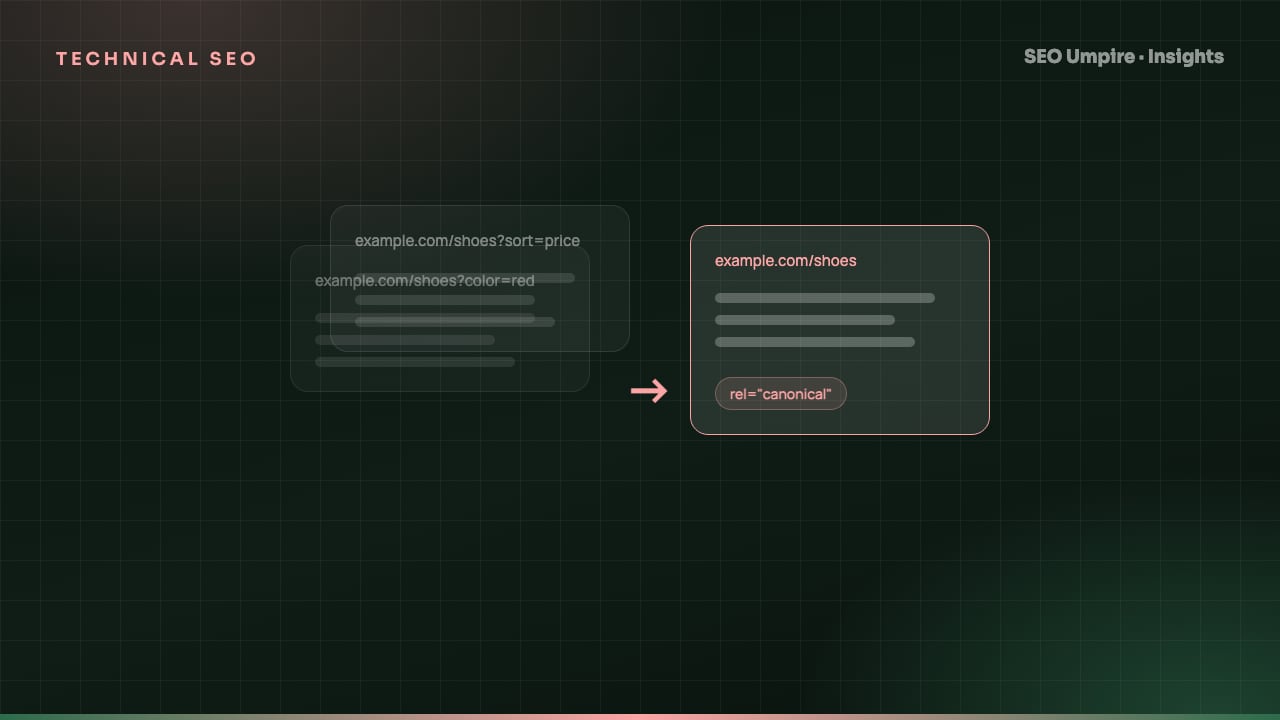
Canonical Tag Guide: Fix Duplicate Content the Right Way
A canonical tag is a head link element naming the preferred URL among duplicate pages so search engines index one version. When to use it, syntax and mistakes.
A canonical tag is an HTML link element, <link rel="canonical" href="https://example.com/page">, placed in the <head> of a page to tell search engines which URL is the preferred version when the same or very similar content is reachable at more than one address. It consolidates ranking signals onto one URL and keeps duplicates out of the index without removing them from the site. Every indexable page should carry a self-referencing canonical, and every duplicate variant should point to the preferred URL. This guide covers where duplicates come from, the exact syntax, when a redirect is the better tool and the mistakes that make Google ignore your canonicals.
What is duplicate content and why does it matter?
Duplicate content is the same or substantially similar content available at multiple URLs. It is rarely penalized, but it is expensive in three ways:
- Diluted signals. Links, engagement and relevance split across copies, so no single URL ranks as well as it could.
- Wasted crawl budget. Googlebot spends requests on copies instead of new content, which slows indexing on large sites.
- Wrong version ranks. Google picks a canonical on its own if you do not, and it may choose the parameter URL, the HTTP version or the print view.
Where do duplicates come from?
Most duplicates are created by the platform, not by writers:
- Protocol and host variants:
http://,https://,www.and non-www. - Trailing slash and case:
/page,/page/,/Page. - URL parameters: tracking (
?utm_source=), sorting (?sort=price), filtering (?color=red), session IDs and pagination. - Ecommerce paths: the same product under several categories (
/shoes/boot-xand/sale/boot-x). - Print, AMP and mobile versions.
- Syndicated or republished articles on other domains.
- Country or language editions with identical text.
- Index files:
/and/index.html.
How does a canonical tag work?
<link rel="canonical" href="https://www.example.com/insights/canonical-tags-duplicate-content">
Rules for a canonical that search engines will trust:
- Absolute URL, with protocol and host. Relative canonicals are valid but fragile.
- One canonical per page. Two conflicting tags make Google ignore both.
- In the
<head>, or as an HTTP header (Link: <URL>; rel="canonical") for PDFs and other non-HTML files. - Target returns 200, is indexable and is itself self-canonical. A canonical to a redirecting or noindexed URL is a chain Google will not follow reliably.
- Target has the same or near-identical main content. Google ignores canonicals between genuinely different pages.
- Consistent with everything else. Internal links, the XML sitemap, hreflang and redirects should all name the same preferred URL.
Google treats the tag as a strong hint. When other signals contradict it, Google picks its own canonical and reports "Duplicate, Google chose different canonical than user" in Search Console.
Canonical tag vs 301 redirect vs noindex
| Situation | Best tool | Why |
|---|---|---|
| Old URL replaced by a new one, old has no purpose | 301 redirect | Moves users and all signals permanently |
| Tracking or sort parameters on a page that must stay reachable | Canonical to the clean URL | Users keep the parameter URL, Google indexes one |
| Product in several categories | Canonical to the primary category URL | Both paths work for shoppers |
| Thin tag or filter pages you never want indexed | noindex | Removes them from the index outright |
| Content syndicated to a partner site | Cross-domain canonical on the partner's copy pointing to your original | Credits the original across domains |
| Print version of an article | Canonical to the HTML version | Keeps the print page usable |
| www vs non-www, http vs https | 301 redirect to one host | There is never a reason for both to be live |
Rule of thumb: if a human never needs to land on the duplicate URL, redirect it. If they do, canonicalize it. If it should not exist in search at all and has no equity worth saving, noindex it.
How do I implement canonicals step by step?
- Decide the preferred URL format. HTTPS, one host (www or not), lowercase, trailing slash or not, no default parameters. Write it down; every system must follow it.
- Redirect the structural variants. 301 HTTP to HTTPS, the non-preferred host to the preferred one, uppercase to lowercase and the trailing slash variant to your chosen form. These never need canonicals because they never stay live.
- Add a self-referencing canonical to every indexable template. In most CMSs this is a one-line change in the layout file or a plugin setting. Make sure the generated URL uses the preferred format from step 1 and strips parameters.
- Point real duplicates at their preferred URL. Multi-category product pages, print views and parameter pages canonicalize to the primary URL.
- Handle pagination correctly. Each paginated page (
/blog/page/2) self-canonicalizes. Do not canonicalize page 2 to page 1; that hides the links on deeper pages from Google. - Align the supporting signals. Update internal links to the canonical URLs, regenerate the XML sitemap with canonicals only (see the XML sitemap and robots.txt guide), and check hreflang alternates each point to a canonical page.
- Crawl and verify. The site audit tool lists pages with missing, multiple, relative, non-200 or non-self canonicals, and pages whose canonical disagrees with the sitemap.
- Check Search Console after 2 to 4 weeks. In the Pages report, review "Duplicate without user-selected canonical" (missing tags) and "Google chose different canonical than user" (conflicting signals), and inspect a sample with the URL Inspection tool.
How do I handle the hardest canonical cases?
Faceted navigation on ecommerce. Thousands of filter combinations create near-infinite duplicates. Canonicalize filter URLs to the unfiltered category, block the worst parameter patterns in robots.txt only if they have no link equity, and give genuinely valuable filters (for example "red running shoes") their own indexable, self-canonical landing pages. Our ecommerce SEO guide goes deeper.
Hreflang plus canonical. Each language or country version self-canonicalizes and lists the others as alternates. Never canonicalize the French page to the English page; that tells Google the French page is a duplicate and it will drop out of French results.
Syndication. When a partner republishes your article, ask them to add a canonical pointing to your URL. If they will not, ask for a prominent link to the original and publish on your site first so Google sees your copy before theirs.
JavaScript-injected canonicals. Google can read a canonical added by JavaScript, but only after rendering, and a conflicting canonical in the raw HTML wins. Put it in the server-rendered HTML.
What canonical mistakes make Google ignore the tag?
- Canonical to the home page on every page. Usually a template bug. Google ignores it and may treat it as a signal the site is low quality.
- Canonical to a URL that redirects or 404s. Fix the target first.
- Canonical to a noindexed URL. Contradictory; Google drops both signals.
- Canonicals that include the parameter they are supposed to remove, because the template echoes the current URL.
- Two SEO plugins each emitting a canonical. Keep one. The SEO Umpire WordPress plugin detects duplicate canonical and schema output from other plugins and lets you choose which one stays.
- Canonicalizing paginated pages to page 1, hiding deeper content.
- Changing canonicals site-wide without updating internal links and the sitemap, so Google receives three different answers.
How do I confirm the canonicals are working?
Three checks, in order:
- Run the free SEO checker on a page: it shows the canonical found in the HTML, whether it is self-referencing and whether the target returns 200.
- Use Search Console URL Inspection on a sample of duplicates and confirm "Google-selected canonical" matches "User-declared canonical".
- Watch rankings: when canonicals consolidate properly, the preferred URL takes over the positions held by its variants within a few weeks.
Canonicals are one line of the technical SEO checklist, but they underpin everything above them. Get the preferred URL format right once and enforce it everywhere.
Frequently asked questions
What is a canonical tag?
A canonical tag is an HTML link element, <link rel="canonical" href="URL">, placed in the head of a page. It names the preferred URL for that content so search engines index and rank that version instead of duplicates.
Should every page have a canonical tag?
Yes. Every indexable page should have a self-referencing canonical pointing to its own clean URL. It protects against parameter and tracking variants being indexed separately and makes the preferred URL explicit.
Is a canonical tag the same as a 301 redirect?
No. A 301 sends users and crawlers to the new URL and removes the old one from use. A canonical keeps both URLs accessible to users while asking search engines to index only one. Use a redirect when the duplicate has no purpose; use a canonical when it must stay live.
Can Google ignore my canonical tag?
Yes. Google treats rel=canonical as a strong hint and may choose a different canonical if the pages differ a lot, if internal links and sitemaps point elsewhere, or if the canonical target redirects or returns an error. Search Console shows "Google-selected canonical" when this happens.
Does duplicate content cause a penalty?
Not in the sense of a manual action. The cost is dilution: ranking signals split across copies, crawl budget is wasted and Google may rank the version you did not want. Canonical tags and redirects fix this.
Free audit, 32 checks, prioritized fixes and a PDF report in about 15 seconds. No signup.
Keep reading
 Technical SEO
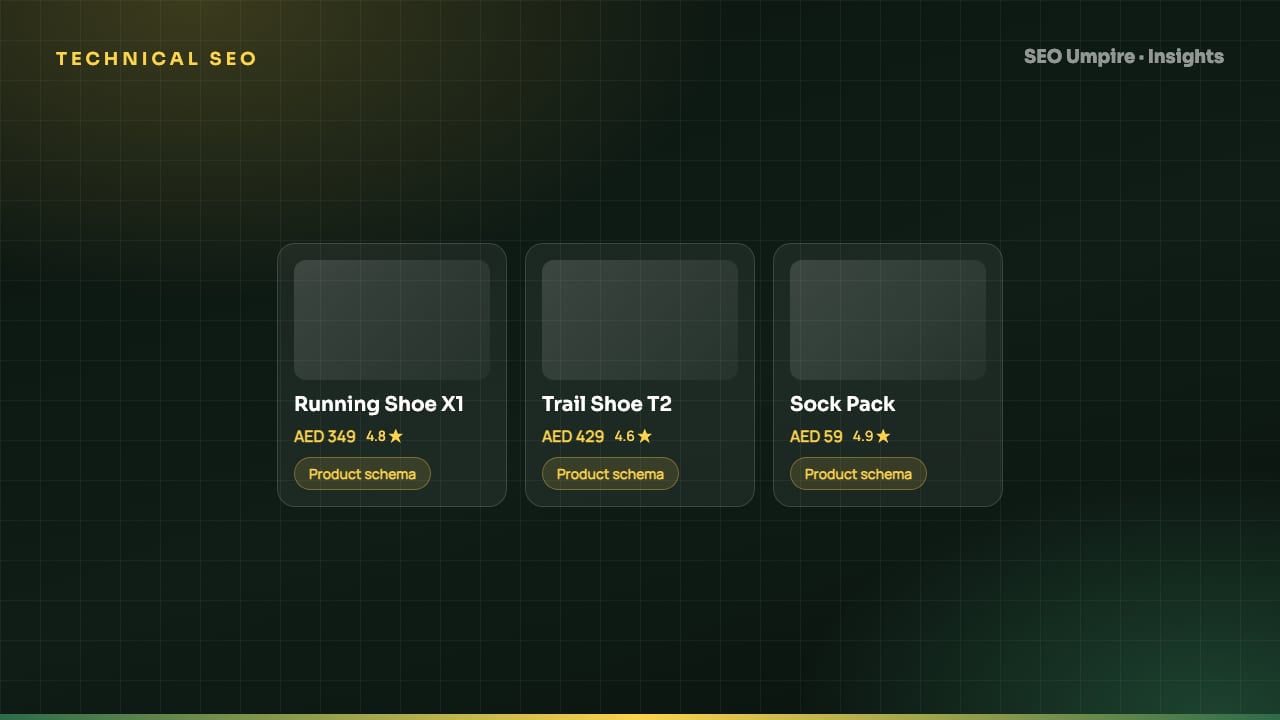
Ecommerce SEO Guide: How to Rank Product and Category Pages
Ecommerce SEO in 8 steps: site architecture, category pages that rank, unique product content, Product schema, faceted navigation, crawl budget and page speed.
 Technical SEO
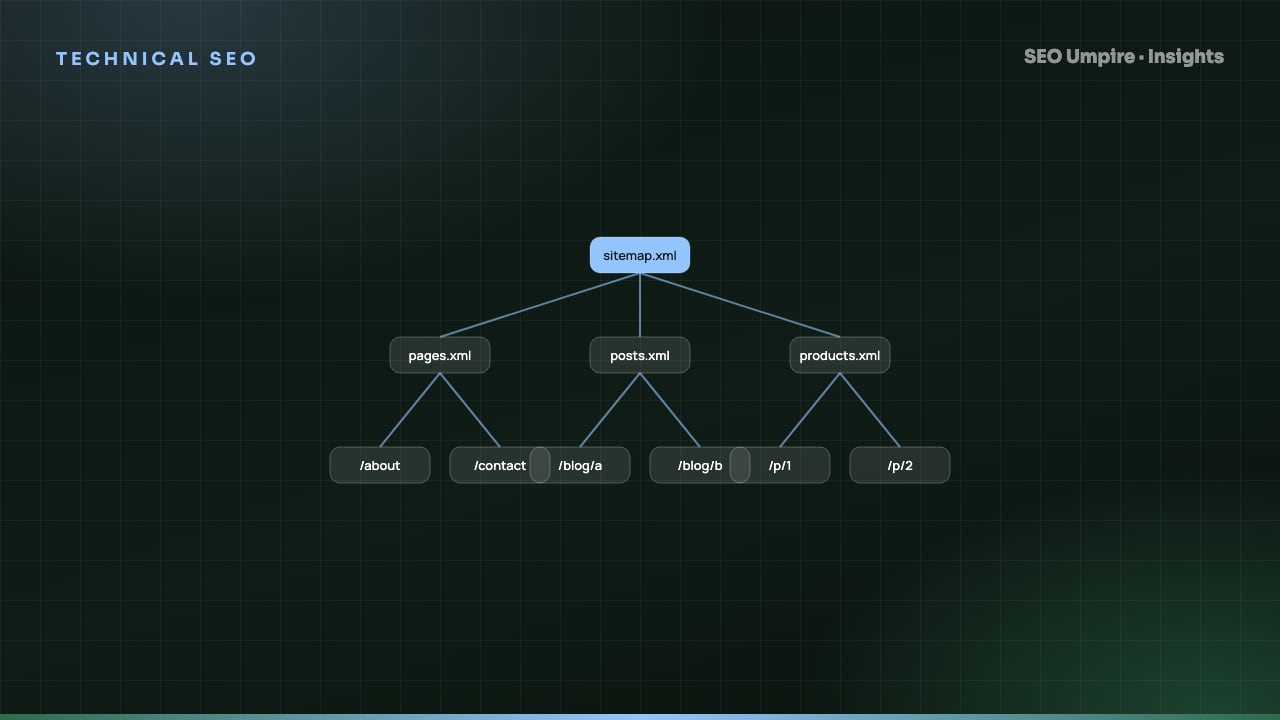
XML Sitemap and Robots.txt Guide: Setup, Rules, Mistakes
An XML sitemap lists URLs you want indexed; robots.txt tells crawlers which paths they may fetch. How to build both right: syntax, limits, examples, mistakes.
 Technical SEO
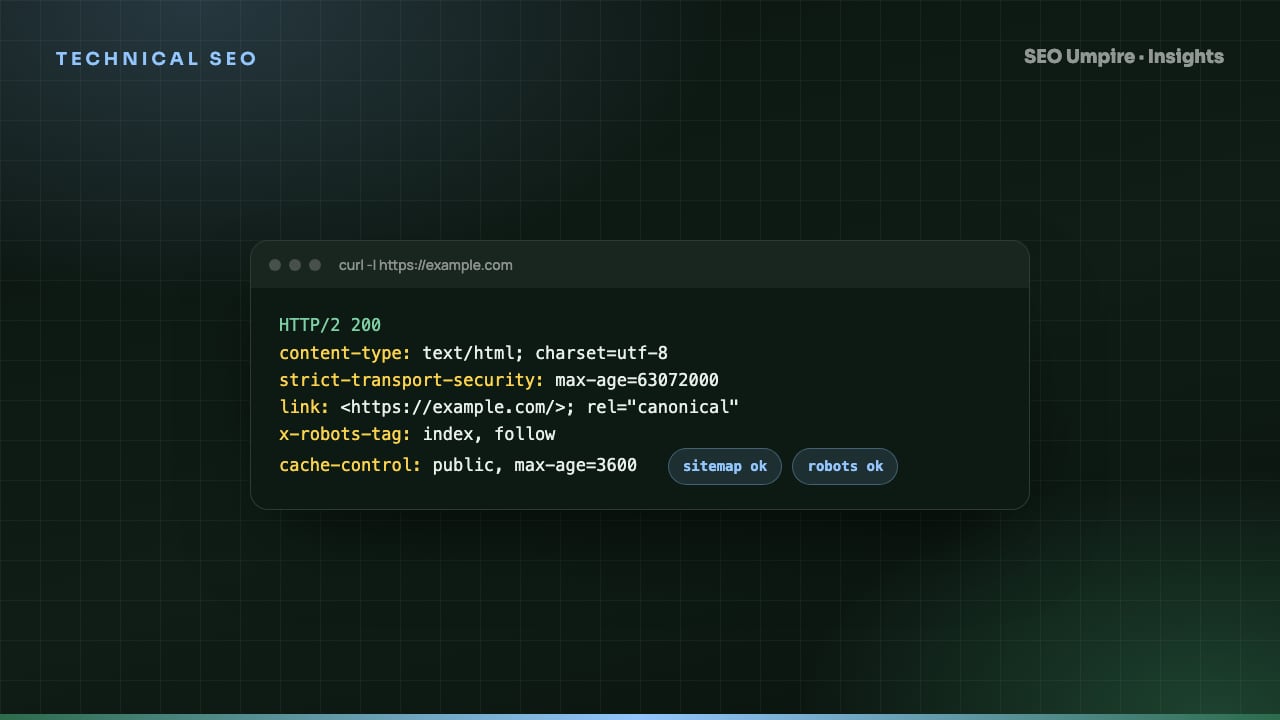
 Checklist: 32 Checks for Crawl, Index, Rank
A technical SEO checklist covers crawlability, indexation, architecture, speed, structured data and security. 32 checks in priority order with pass criteria.
One short email a week: what changed in Google and AI answers, and the fixes that matter. No spam, unsubscribe any time.