

XML Sitemap and Robots.txt Guide: Setup, Rules, Mistakes
An XML sitemap lists URLs you want indexed; robots.txt tells crawlers which paths they may fetch. How to build both right: syntax, limits, examples, mistakes.
An XML sitemap is a machine-readable list of the URLs on your site that you want search engines to discover and index, and robots.txt is a plain text file at the domain root that tells crawlers which paths they are allowed to fetch. They solve different problems: the sitemap invites crawlers to specific pages, robots.txt restricts where they go. Both are hints, not commands, and neither removes a page from Google's index on its own. This guide covers the correct syntax, size limits, what belongs in each, how they interact with noindex and canonicals, and the mistakes that quietly cost sites their rankings.
What does robots.txt do and what does it not do?
robots.txt lives at https://example.com/robots.txt and applies only to that exact host and protocol. Crawlers that respect it (Googlebot, Bingbot and most legitimate bots) read it before fetching other URLs and skip any path matched by a Disallow rule for their user agent.
What it does:
- Stops compliant crawlers from requesting matched URLs, which saves crawl budget on large sites.
- Points crawlers to your sitemap with the
Sitemap:directive. - Lets you set different rules per bot, for example blocking an aggressive scraper while allowing Googlebot.
What it does not do:
- It does not remove or hide pages from the index. If a blocked URL has links pointing to it, Google can index the URL itself and show it with no snippet. To deindex, you need
noindexon a crawlable page or a 404/410 response. - It does not protect private content. Anyone can read the file and request the paths directly. Use authentication for private areas.
- It does not stop non-compliant bots. For those you need server-level blocking.
robots.txt syntax and a safe default
User-agent: *
Disallow: /admin/
Disallow: /cart/
Disallow: /search?
Disallow: /*?sessionid=
Allow: /

Sitemap: https://example.com/sitemap.xml
Rules:
User-agentstarts a group;*means every bot. Googlebot uses the most specific group that matches it and ignores the others.Disallowpaths are prefix matches./admin/blocks everything under it.*is a wildcard and$anchors the end of a URL.Allowoverrides aDisallowwhen it is more specific (longer). Use it to open a subfolder inside a blocked folder.- A blank line separates groups. Comments start with
#. - The file must return 200 with
Content-Type: text/plain. A 5xx on robots.txt can make Googlebot stop crawling the whole site until it recovers; a 404 is treated as "allow everything".
What should an XML sitemap contain?
Only URLs that meet all of these conditions:
- Return 200 (not redirects, not 404s).
- Are the canonical version (not a parameter variant or a duplicate).
- Are indexable (no noindex, not blocked in robots.txt).
- You actually want to rank.
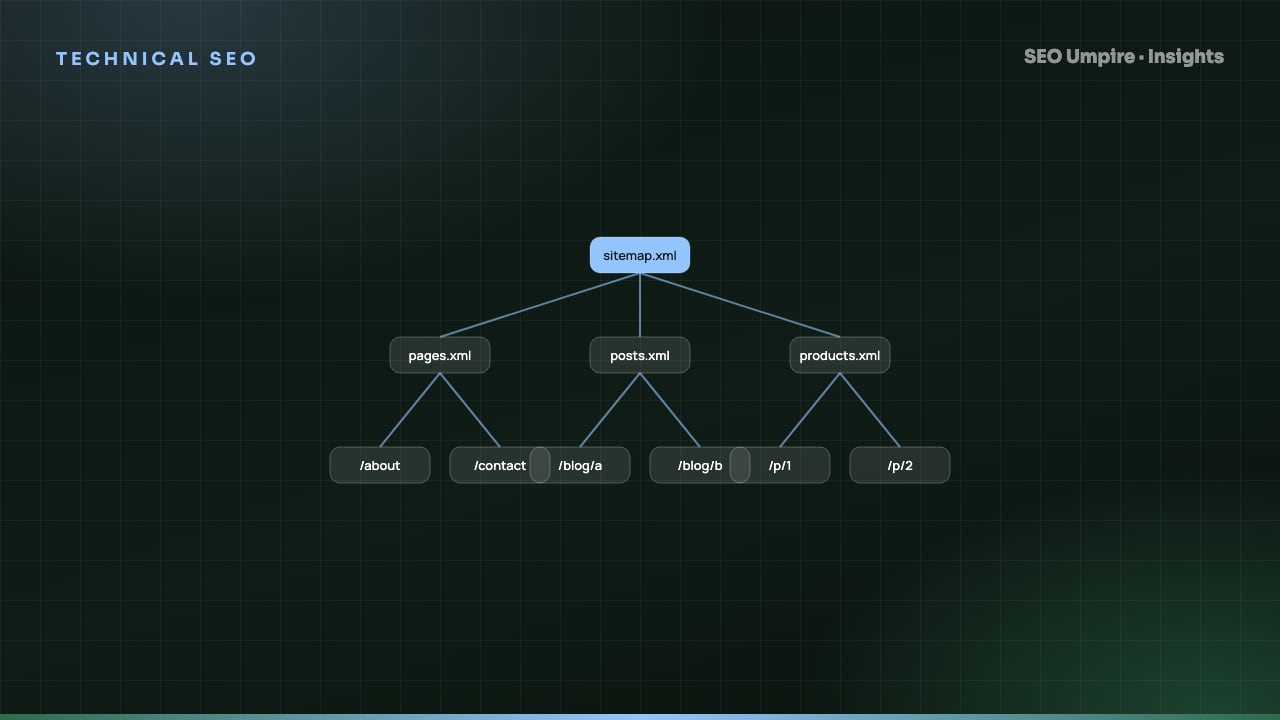
Each file holds at most 50,000 URLs and 50 MB uncompressed. Beyond that, split into multiple sitemaps and list them in a sitemap index. Compressing with gzip is allowed and recommended for large files.
Minimal sitemap and sitemap index
<?xml version="1.0" encoding="UTF-8"?>
<urlset xmlns="http://www.sitemaps.org/schemas/sitemap/0.9">
  <url>
    <loc>https://example.com/insights/technical-seo-checklist</loc>
    <lastmod>2026-09-21</lastmod>
  </url>
</urlset>
<?xml version="1.0" encoding="UTF-8"?>
<sitemapindex xmlns="http://www.sitemaps.org/schemas/sitemap/0.9">
  <sitemap>
    <loc>https://example.com/sitemap-pages.xml</loc>
    <lastmod>2026-10-15</lastmod>
  </sitemap>
  <sitemap>
    <loc>https://example.com/sitemap-posts.xml</loc>
    <lastmod>2026-10-15</lastmod>
  </sitemap>
</sitemapindex>
Include lastmod only when it reflects a real content change; Google has said it ignores the field across a site if the dates prove unreliable. Skip priority and changefreq; Google does not use them. URLs must be absolute, use the canonical host and protocol, and be XML-escaped (& becomes &).
Split sitemaps by content type (pages, posts, products, images, videos) so the Search Console Pages report tells you which type has indexing problems. For multilingual sites, either list alternates with xhtml:link rel="alternate" hreflang in the sitemap or keep hreflang in the HTML, not both inconsistently. Image sitemaps use the image:image extension and matter for image-heavy sites.
robots.txt vs sitemap vs noindex vs canonical
| Goal | Use | Do not use |
|---|---|---|
| Stop crawling of low-value URL patterns (search results, carts, session parameters) | robots.txt Disallow | noindex (the page must be crawled for noindex to be seen) |
| Remove a page from the index | noindex meta tag or 404/410 on a crawlable page | robots.txt (blocked pages can still be indexed) |
| Consolidate duplicate variants to one URL | Canonical tag pointing to the preferred URL | Disallowing the variants (hides the canonical signal) |
| Tell Google which pages exist and changed | XML sitemap with lastmod | robots.txt |
| Keep a staging site out of Google | HTTP authentication | robots.txt alone (the URL can still appear) |
The interaction that catches people most often: a page with noindex that is also disallowed in robots.txt stays indexed, because Googlebot cannot fetch the page to see the noindex. Unblock it first, let it be crawled, then block if you still want to. Our canonical tag guide covers the consolidation cases in detail.
How do I set up both files step by step?
- Inventory indexable URLs. Crawl the site with the site audit tool and export URLs that are 200, canonical and indexable.
- Generate the sitemap from that list, split by type, with accurate lastmod. On most platforms the CMS or SEO plugin does this automatically; on WordPress the SEO Umpire plugin generates a sitemap index that excludes noindexed and non-canonical URLs by default.
- Validate the XML. Open the sitemap in a browser and confirm it parses; check a sample of URLs return 200.
- Write robots.txt with the safe default above, adding Disallow rules only for URL patterns that have no ranking value. Never block
/wp-content/,/assets/,/_next/or any folder holding CSS, JavaScript or images, because Google needs them to render the page. - Add the Sitemap directive to robots.txt with the absolute URL of the sitemap index.
- Test robots.txt with Search Console's robots.txt report and confirm a key page is allowed for Googlebot.
- Submit the sitemap in Search Console (and Bing Webmaster Tools).
- Review the Pages report after 1 to 2 weeks. Look for "Submitted URL blocked by robots.txt", "Submitted URL marked noindex", "Duplicate, submitted URL not selected as canonical" and "Discovered, currently not indexed". Each one means the sitemap and the site disagree.
What are the most damaging sitemap and robots.txt mistakes?
- Blocking CSS or JavaScript. Googlebot renders a blank or broken page, and rankings fall across the site. This is still common on older WordPress and custom setups.
- Deploying the staging robots.txt (
Disallow: /) to production. Crawling stops site-wide. Add a deploy check that fails the build if production robots.txt contains a root disallow. - Sitemaps full of redirects and 404s after a migration. Google trusts the sitemap less and discovery slows. Regenerate the sitemap from the live URL set.
- Non-canonical URLs in the sitemap. HTTP URLs on an HTTPS site, trailing slash variants, parameters. Google reports these as "not selected as canonical" and may pick a different URL than you wanted.
- Fake lastmod. Setting every URL to today's date on each build teaches Google to ignore the field.
- Serving the sitemap with the wrong content type (
text/htmlinstead ofapplication/xmlortext/xml). - Forgetting that robots.txt is per host.
https://www.example.com/robots.txtandhttps://example.com/robots.txtare different files. Redirect the non-canonical host so there is one source of truth. - Blocking AI and preview crawlers you want. If you want citations from AI answer engines and share cards on social networks, allow their user agents.
How do I monitor these files over time?
Both files change silently when a plugin updates, a developer adds a rule or a CMS regenerates the sitemap. Three habits catch problems early:
- Run a free SEO check after each deploy; it confirms robots.txt returns 200, lists the sitemap directive and flags blocked resources.
- Watch the rank tracker for a same-day drop across many keywords, which is the signature of a crawl or index change.
- Check the Search Console Pages report and robots.txt report monthly, and after every migration. The technical SEO checklist puts these checks in the right order with everything else.
Frequently asked questions
What is the difference between robots.txt and an XML sitemap?
robots.txt is a set of rules telling crawlers which paths they may or may not request. An XML sitemap is a list of URLs you want search engines to discover and consider for indexing. One restricts, the other invites; both are hints rather than guarantees.
Does blocking a page in robots.txt remove it from Google?
No. Blocking stops Googlebot from fetching the page, but if other pages link to it Google can still index the URL with no description. To remove a page, let it be crawled and serve a noindex meta tag, or return a 404 or 410.
How big can an XML sitemap be?
Each sitemap file is limited to 50,000 URLs and 50 MB uncompressed. Larger sites use a sitemap index file that points to multiple sitemaps, up to 50,000 sitemaps per index.
Should the sitemap include lastmod dates?
Yes, but only if they are accurate. Google uses lastmod to prioritize recrawling changed pages and ignores it site-wide if it finds the dates are unreliable. Leave out priority and changefreq; Google does not use them.
Free audit, 32 checks, prioritized fixes and a PDF report in about 15 seconds. No signup.
Keep reading
 Technical SEO
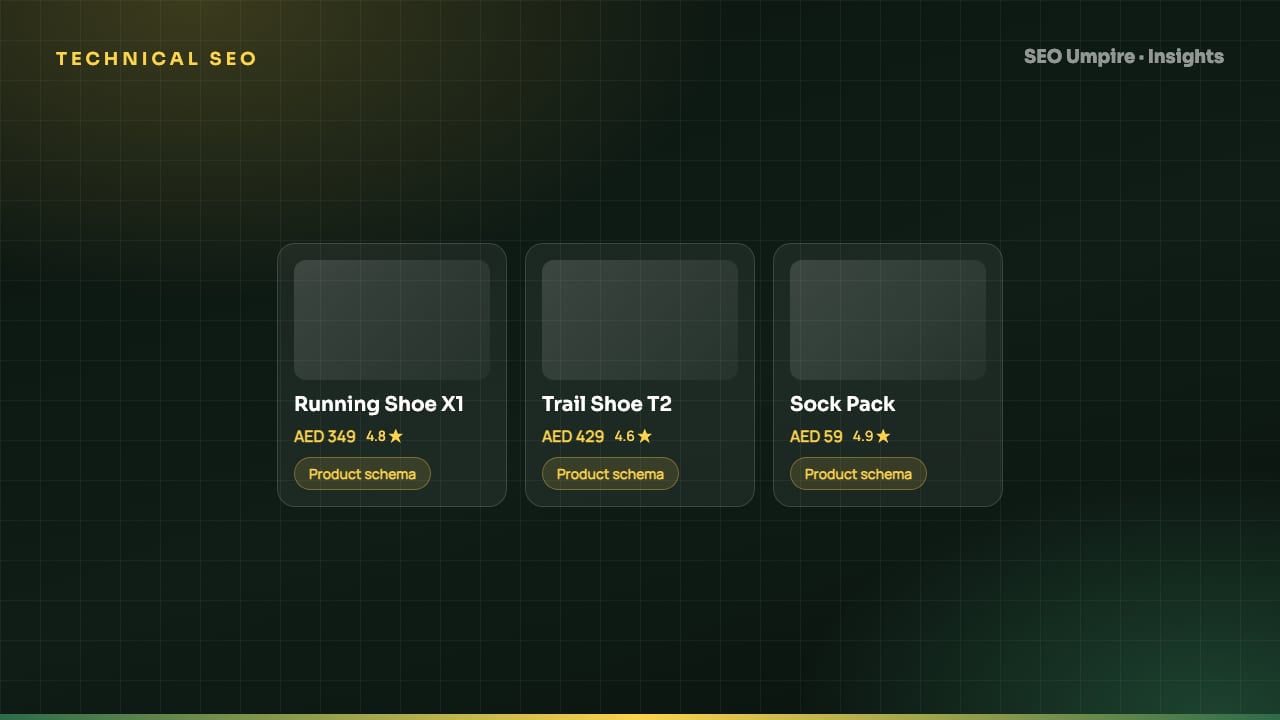
Ecommerce SEO Guide: How to Rank Product and Category Pages
Ecommerce SEO in 8 steps: site architecture, category pages that rank, unique product content, Product schema, faceted navigation, crawl budget and page speed.
 Technical SEO
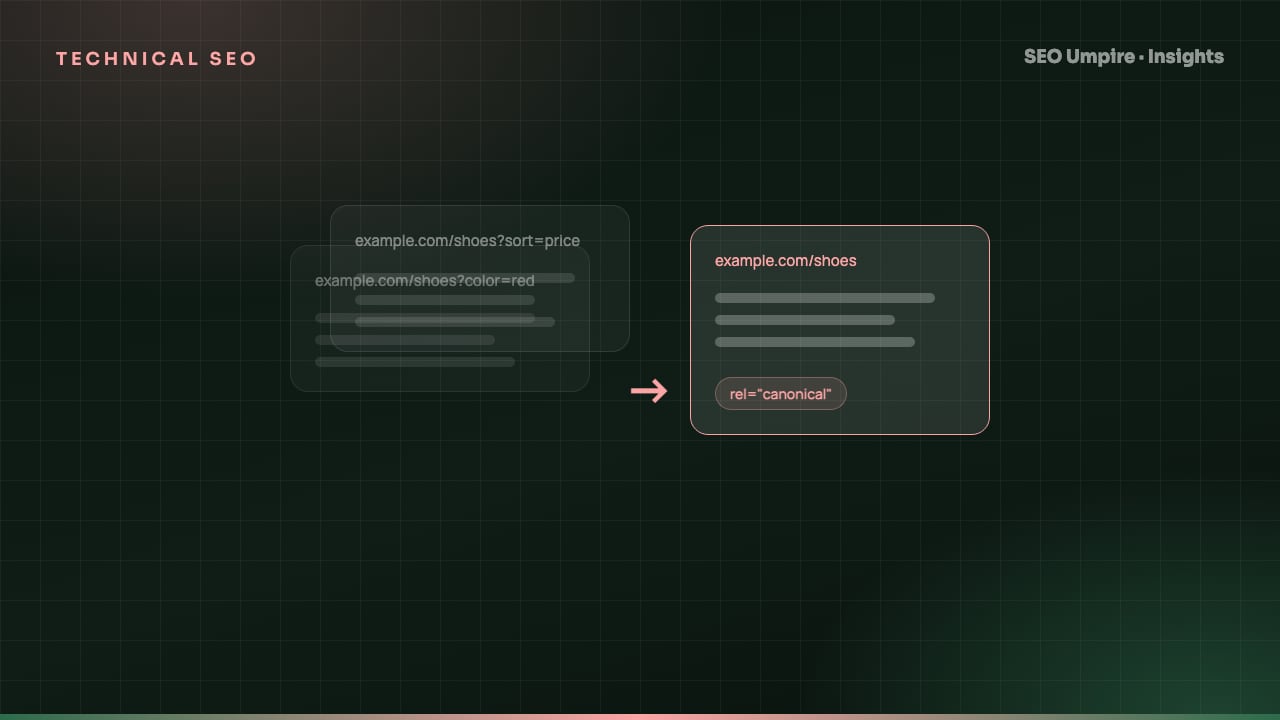
Canonical Tag Guide: Fix Duplicate Content the Right Way
A canonical tag is a head link element naming the preferred URL among duplicate pages so search engines index one version. When to use it, syntax and mistakes.
 Technical SEO
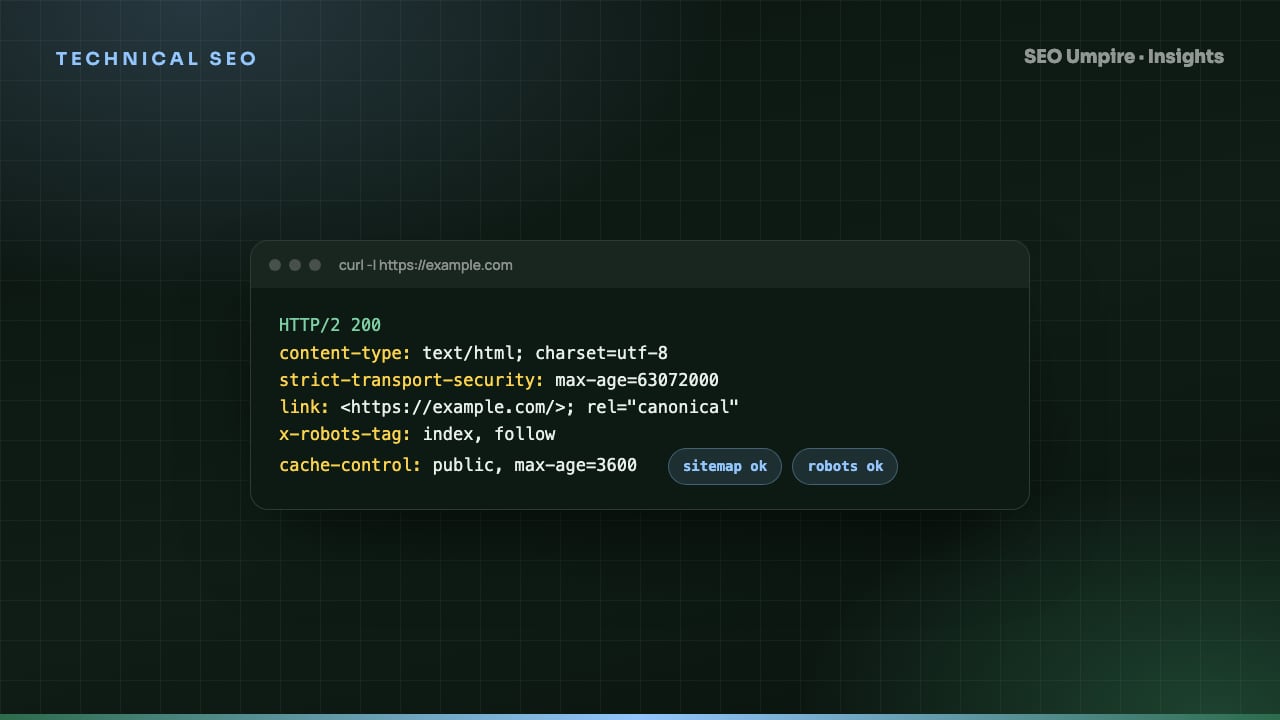
 Checklist: 32 Checks for Crawl, Index, Rank
A technical SEO checklist covers crawlability, indexation, architecture, speed, structured data and security. 32 checks in priority order with pass criteria.
One short email a week: what changed in Google and AI answers, and the fixes that matter. No spam, unsubscribe any time.