

Technical SEO Checklist: 32 Checks for Crawl, Index, Rank
A technical SEO checklist covers crawlability, indexation, architecture, speed, structured data and security. 32 checks in priority order with pass criteria.
A technical SEO checklist is the ordered set of checks that make sure search engines can crawl, render, index and rank every important page on a site. The order matters: crawlability comes first, then indexation, then architecture, then performance, structured data and security, because a failure at any earlier stage makes the later work worthless. Below are 32 checks grouped in that order, each with a pass criterion you can verify, plus the tools to automate them.
Why does the order of technical SEO checks matter?
Search engines process a page in a pipeline. Googlebot has to be allowed to fetch the URL (crawl), then execute the HTML and JavaScript (render), then decide whether to store it and under which URL (index), and only then does it evaluate relevance and quality (rank). A perfect page blocked by one robots.txt line never enters the pipeline. That is why the checklist starts with the boring parts.
If you want a primer on how audits work before you start, read our explainer on what an SEO audit is and how it is scored.
Stage 1: Can search engines crawl the site?
- robots.txt exists and does not block important paths. Pass:
/robots.txtreturns 200, noDisallowon content, CSS or JS folders, and aSitemap:line points to the XML sitemap. - Server returns the right status codes. Pass: live pages return 200, removed pages return 404 or 410, moved pages return 301. No 200 "soft 404" pages that display an error message with a success code.
- No redirect chains or loops. Pass: every redirect resolves in one hop. Chains of 3 or more hops waste crawl budget and dilute link equity.
- Crawl depth is shallow. Pass: every important page is reachable within 3 clicks of the home page. Deeper pages get crawled less often.
- No orphan pages. Pass: every URL in the sitemap has at least one internal link pointing to it. Our internal linking strategy covers how to fix orphans at scale.
- Crawl budget is not wasted. Pass: faceted navigation, calendar pages, session IDs and internal search results are blocked or canonicalized so Googlebot spends its requests on real content.
- Server speed supports crawling. Pass: time to first byte under 800 milliseconds and no 5xx errors in Search Console's Crawl Stats report.
- JavaScript content renders. Pass: the URL Inspection tool's rendered HTML contains the main content and the internal links. If it does not, server-side render or pre-render those templates.
Stage 2: Are the right pages indexed?
- No accidental noindex. Pass: no
<meta name="robots" content="noindex">orX-Robots-Tag: noindexon pages that should rank. Check every template, not a sample of URLs. - Canonical tags are consistent. Pass: every indexable page has a self-referencing canonical, variants (parameters, trailing slash, uppercase, http) canonicalize to one version, and the canonical URL returns 200. See our canonical tag guide.
- XML sitemap is clean. Pass: contains only indexable, canonical, 200 URLs, under 50,000 URLs or 50 MB per file, and is referenced from robots.txt and Search Console. Details in the XML sitemap and robots.txt guide.
- Indexed count matches expectation. Pass: the Search Console Pages report shows roughly the number of URLs you intend to rank. A large gap in either direction means index bloat or exclusion.
- Duplicate content is controlled. Pass: no near-identical pages competing (printer versions, tag archives, filtered listings) without canonicals or noindex.
- Pagination is crawlable. Pass: paginated pages link to each other with normal
<a href>links and each page self-canonicalizes. - Hreflang is correct on multilingual sites. Pass: every language version lists all alternates including itself and an
x-default, and the return links match.
Stage 3: Is the architecture sound?
- URLs are clean and stable. Pass: lowercase, hyphenated, descriptive, no session parameters, no dates in evergreen URLs.
- One version of the domain. Pass: www or non-www, http and https all 301 to a single canonical host.
- Internal links use descriptive anchor text and point to the canonical URL, not a redirecting one.
- Navigation and footer links are real links, not JavaScript click handlers or buttons.
- Breadcrumbs exist and carry BreadcrumbList schema.
- 404 page is useful and returns a real 404 status with search and links back into the site.
Stage 4: Is the site fast and mobile ready?
- Core Web Vitals pass in field data. Pass: LCP 2.5 seconds or less, INP 200 milliseconds or less, CLS 0.1 or less at the 75th percentile on mobile. The full breakdown is in our Core Web Vitals SEO guide.
- Images are optimized. Pass: WebP or AVIF, responsive
srcset, explicit dimensions, lazy loading below the fold only. - Mobile rendering matches desktop. Pass: the mobile version contains the same content, links and structured data, because Google indexes the mobile version.
- No intrusive interstitials on mobile that cover the content on arrival.
Stage 5: Is the content machine readable?
- Title tags and meta descriptions are unique and within display limits (titles about 50 to 60 characters before Google truncates around 600 pixels).
- One H1 per page and a logical heading hierarchy.
- Structured data validates. Pass: Organization and WebSite site-wide, Article or Product on content pages, BreadcrumbList on inner pages, zero errors in the Rich Results Test.
- Image alt text is present on content images and empty on decorative ones.
- An llms.txt file describes the site for AI crawlers (optional, growing in adoption).
Stage 6: Is the site secure and trustworthy?
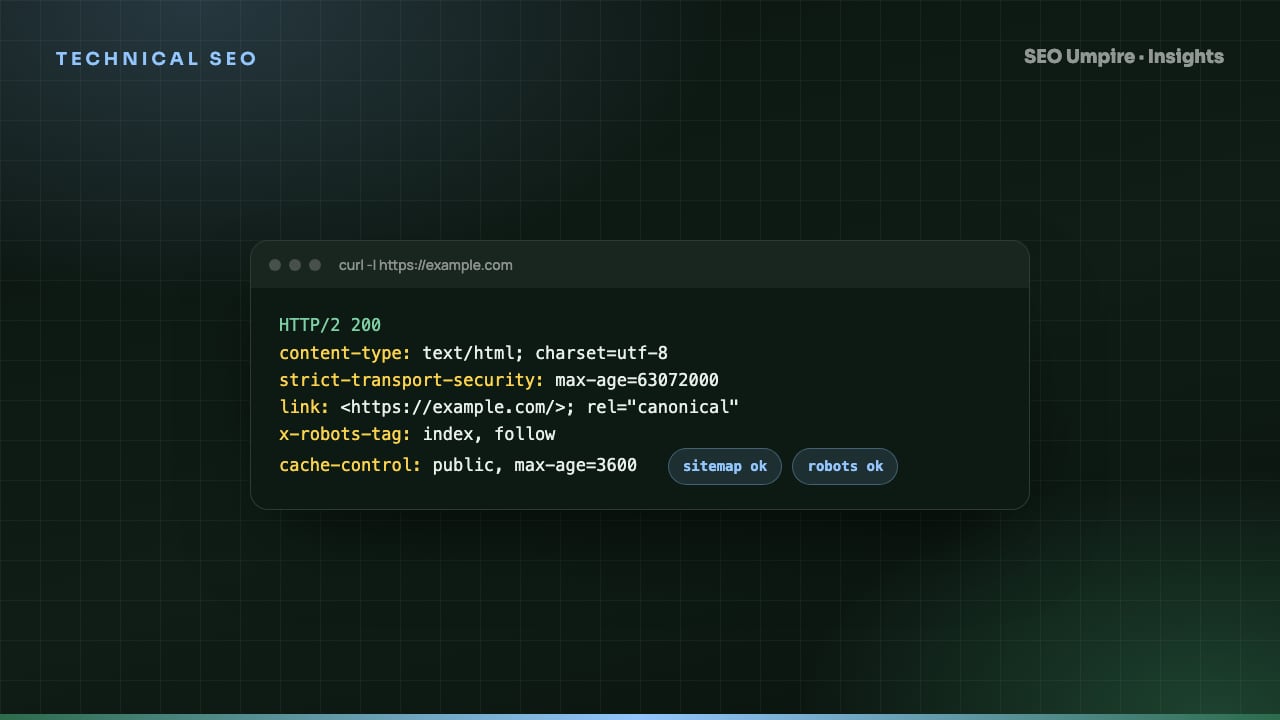
- HTTPS everywhere with a valid certificate, HTTP 301 to HTTPS, HSTS enabled and no mixed content.
- Security headers are present. Pass:
Strict-Transport-Security,X-Content-Type-Options: nosniff,X-Frame-Optionsor aframe-ancestorsCSP directive, andReferrer-Policy.
How do I run the checklist efficiently?
- Crawl the whole site with a crawler that reports status codes, canonicals, noindex, titles, headings and depth. The site audit tool does this and groups issues by template.
- Compare the crawl against Search Console: pages Google knows about that your crawl did not find are orphans; pages your crawl found that Google excluded need a reason.
- Pull field Core Web Vitals per URL group from Search Console.
- Fix Stage 1 and Stage 2 issues first, in a single deploy where possible.
- Re-crawl 48 hours after deploy to confirm the fix landed and did not create new issues.
- Schedule a monthly light crawl and a quarterly full pass.
Which technical SEO issues cause the biggest traffic drops?
| Issue | Typical cause | Impact | Time to detect without monitoring |
|---|---|---|---|
| Site-wide noindex | Staging setting deployed to production | Pages drop from index within days | 1 to 3 weeks |
| robots.txt blocking CSS/JS | Over-cautious disallow rules | Pages render blank for Googlebot, rankings fall | Weeks to months |
| Canonical pointing to wrong URL | Template bug, plugin conflict | Pages consolidate to the wrong URL | Weeks |
| Redirect loop after migration | Mismatched trailing slash rules | Pages unreachable, 5xx-like errors | Days |
| Sitemap full of 404s | Old sitemap left after migration | Wasted crawl budget, slow discovery | Months |
Each of these is detectable in minutes with a crawl, which is why monitoring beats periodic audits. A rank tracker with daily checks gives you the earliest warning: a sudden drop across many keywords on the same day almost always points to a technical cause rather than an algorithm update.
Frequently asked questions
What is included in a technical SEO checklist?
Crawlability (robots.txt, crawl errors, redirect chains), indexation (noindex, canonicals, sitemaps, duplicate content), architecture (URL structure, internal links, depth), performance (Core Web Vitals, image optimization), structured data, security (HTTPS, headers) and mobile rendering.
How often should I run a technical SEO audit?
A full audit quarterly and after every major change such as a migration or redesign. A light crawl for broken links, status codes and new noindex tags should run monthly, or weekly on large sites that publish daily.
What is the most common technical SEO mistake?
Accidentally blocking or noindexing important pages. Staging settings carried into production, a plugin toggling noindex on archive pages or a robots.txt disallow on a CSS folder account for a large share of sudden traffic drops.
Do I need a developer to do technical SEO?
For diagnosis, no: a crawler and Search Console show you every issue. For fixes, it depends. Redirects, canonicals and meta tags are often editable in the CMS; server configuration, rendering and performance work usually need a developer.
Free audit, 32 checks, prioritized fixes and a PDF report in about 15 seconds. No signup.
Keep reading
 Technical SEO
Ecommerce SEO Guide: How to Rank Product and Category Pages
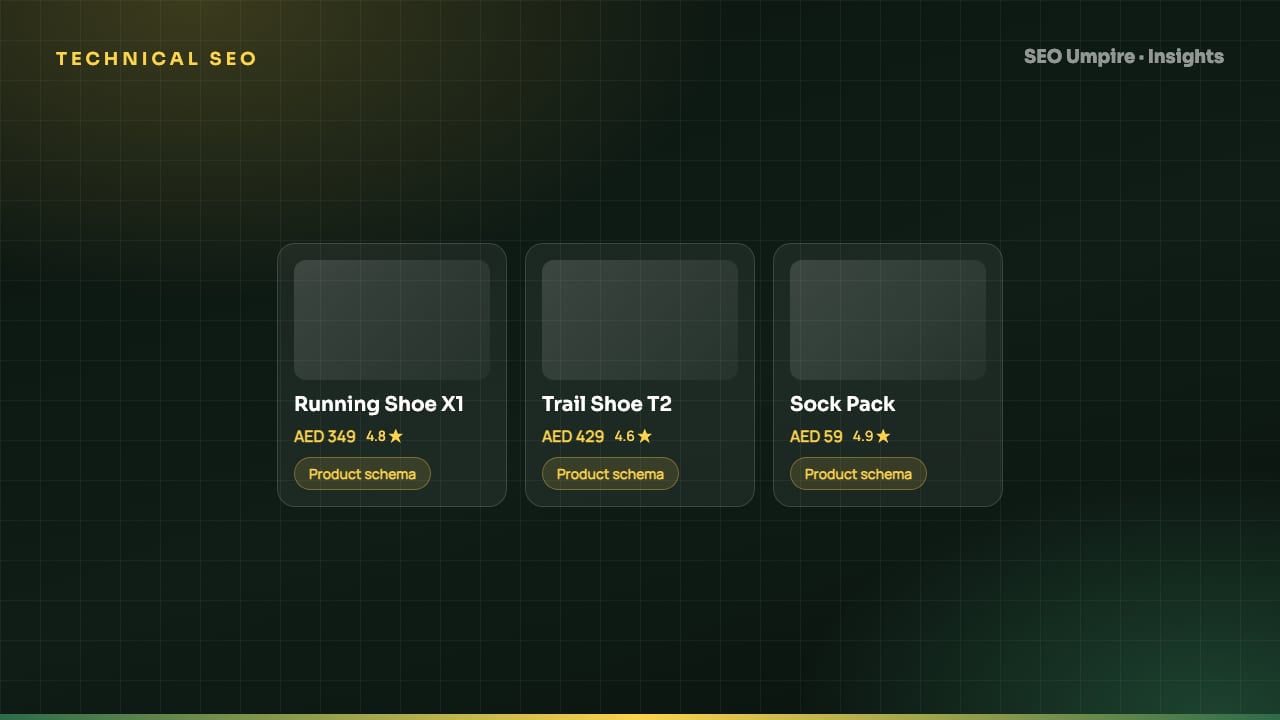
Ecommerce SEO in 8 steps: site architecture, category pages that rank, unique product content, Product schema, faceted navigation, crawl budget and page speed.
 Technical SEO
Canonical Tag Guide: Fix Duplicate Content the Right Way
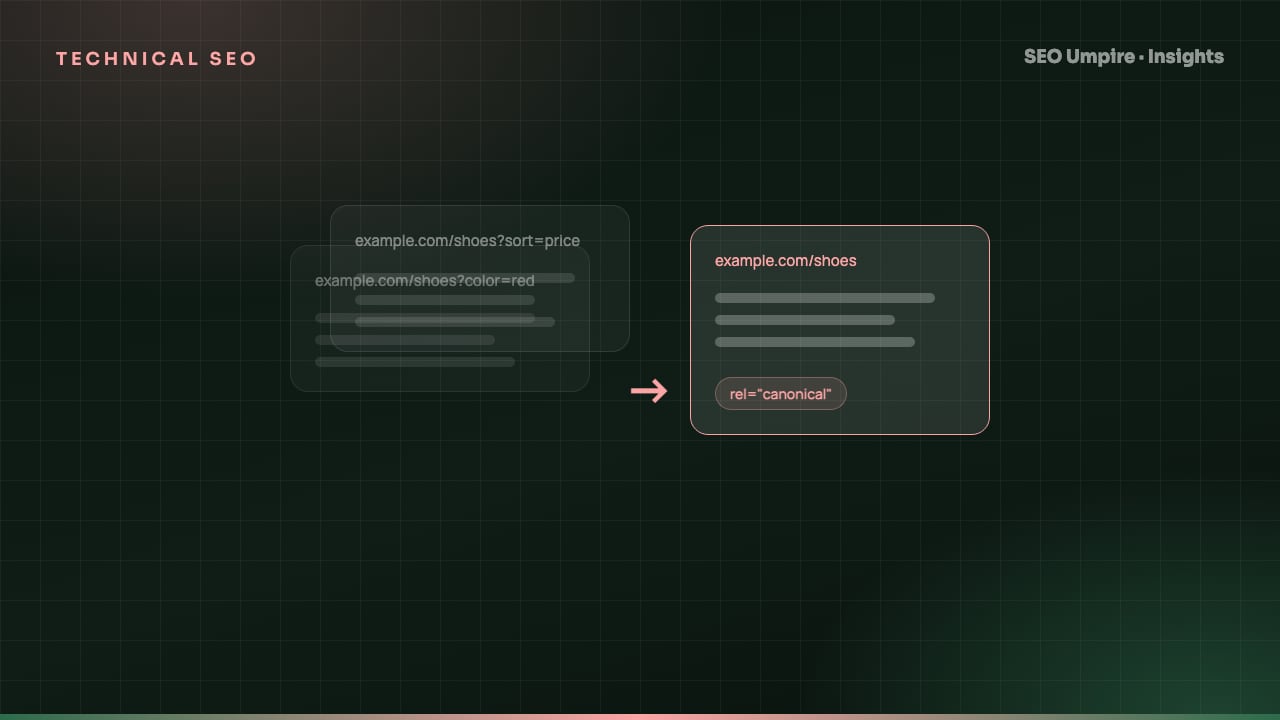
A canonical tag is a head link element naming the preferred URL among duplicate pages so search engines index one version. When to use it, syntax and mistakes.
 Technical SEO
XML Sitemap and Robots.txt Guide: Setup, Rules, Mistakes
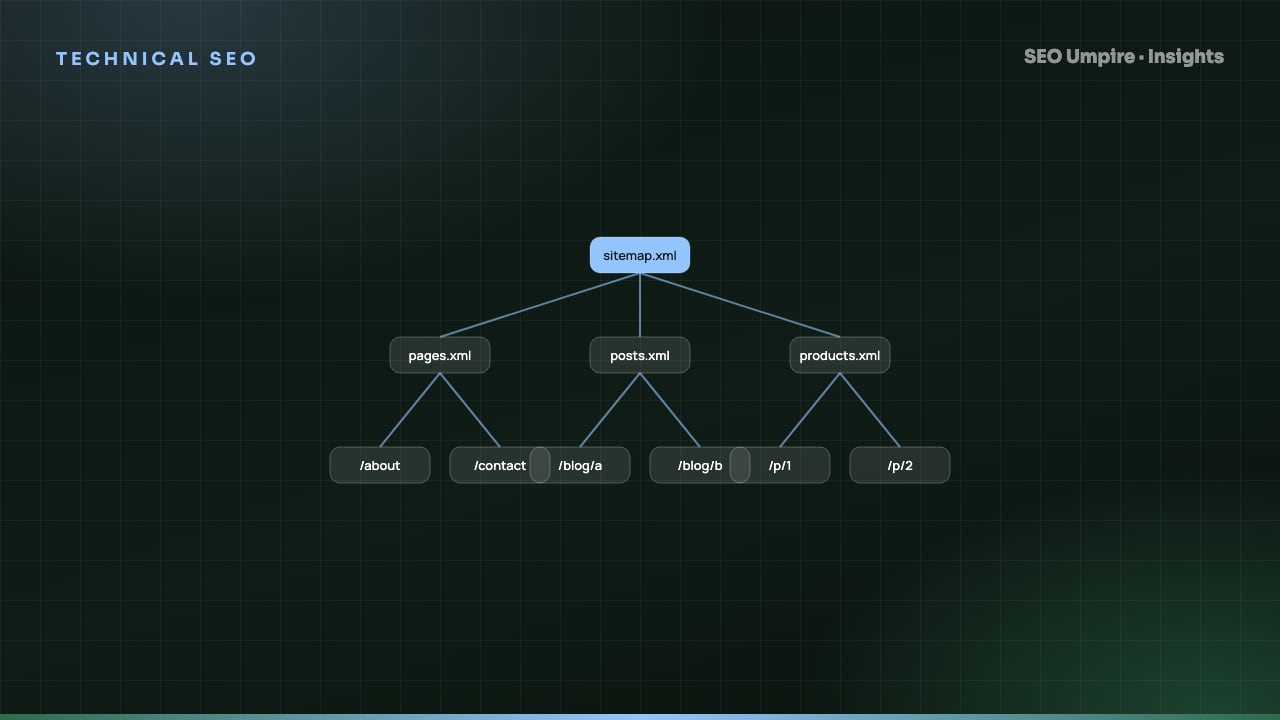
An XML sitemap lists URLs you want indexed; robots.txt tells crawlers which paths they may fetch. How to build both right: syntax, limits, examples, mistakes.
One short email a week: what changed in Google and AI answers, and the fixes that matter. No spam, unsubscribe any time.