

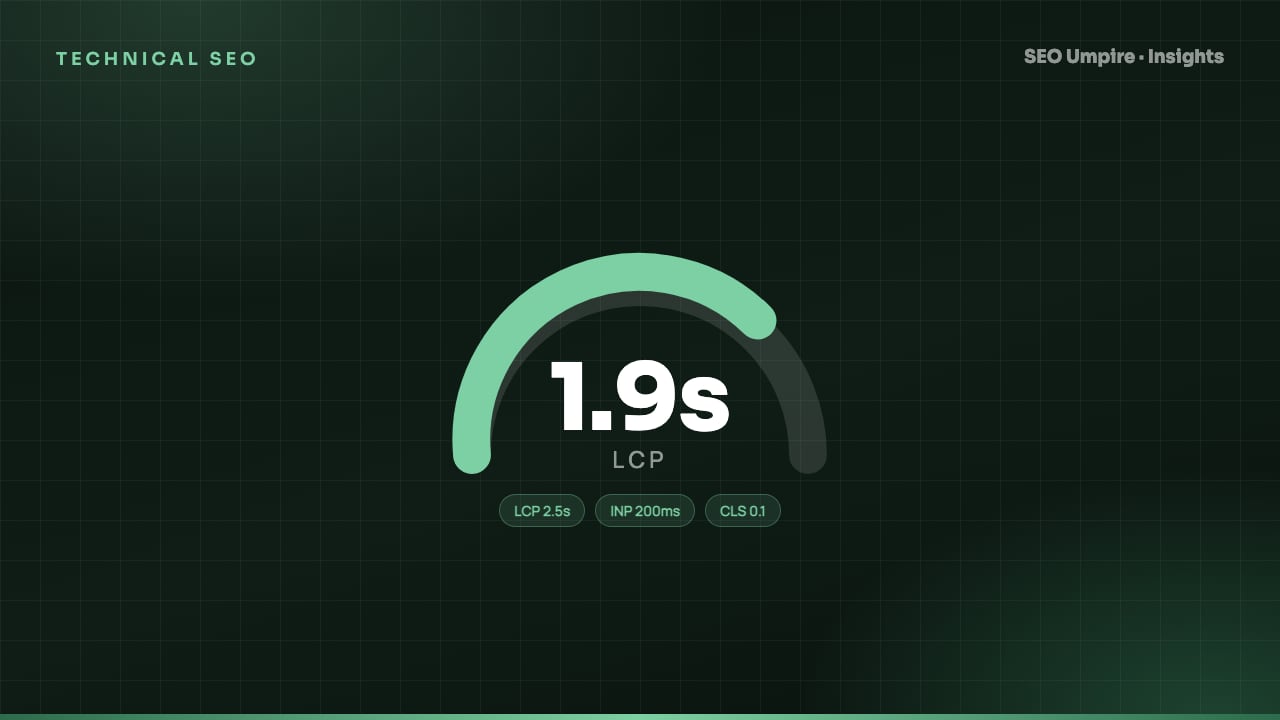
Core Web Vitals SEO Guide: LCP, INP and CLS Thresholds
Core Web Vitals are Google's three page experience metrics: LCP under 2.5s, INP under 200ms, CLS under 0.1 at the 75th percentile. How to measure and fix each.
Core Web Vitals are Google's three user experience metrics: Largest Contentful Paint (LCP) measures loading and should be 2.5 seconds or less, Interaction to Next Paint (INP) measures responsiveness and should be 200 milliseconds or less, and Cumulative Layout Shift (CLS) measures visual stability and should be 0.1 or less. A page passes when all three meet their thresholds for at least 75 percent of real visits recorded in the Chrome User Experience Report. This guide explains how each metric is measured, what breaks it and the fixes that work in order of impact.
What are the three Core Web Vitals?
| Metric | What it measures | Good | Needs improvement | Poor |
|---|---|---|---|---|
| LCP (Largest Contentful Paint) | Time until the largest visible image or text block renders | 2.5s or less | 2.5s to 4.0s | Over 4.0s |
| INP (Interaction to Next Paint) | Latency from a tap, click or key press to the next visual update, across the whole visit | 200ms or less | 200ms to 500ms | Over 500ms |
| CLS (Cumulative Layout Shift) | How much visible content moves unexpectedly during the visit | 0.1 or less | 0.1 to 0.25 | Over 0.25 |
All three are evaluated at the 75th percentile. That means if your slowest quarter of visitors has an LCP above 2.5 seconds, the page fails even though the median visitor is fine. Mobile and desktop are assessed separately.
INP replaced First Input Delay in March 2024. FID only measured the first interaction's input delay; INP covers every interaction and includes processing time and presentation delay, which is why many sites that passed FID now fail INP.
How much do Core Web Vitals matter for SEO?
They are a confirmed ranking signal within the page experience group, but a modest one. Google has said repeatedly that a page with excellent content and poor vitals will still outrank a page with weak content and perfect vitals. Treat them as a tiebreaker in competitive SERPs and as a direct lever on conversion and bounce rate, where the business impact is larger than the ranking impact.
Two practical consequences:
- Fix failing vitals before spending on more content, because a failing page experience caps what the content can earn.
- Do not chase a Lighthouse score of 100 on a design-heavy page. Pass the field thresholds, then stop. Our technical SEO checklist places vitals in the right priority order against crawlability and indexing.
How do I measure Core Web Vitals correctly?
There are two kinds of data and confusing them causes most wasted effort.
Field data (real users): collected by Chrome from opted-in users and published in the Chrome User Experience Report (CrUX). This is what Google ranks on. You see it in Search Console's Core Web Vitals report, in the top section of PageSpeed Insights and in the CrUX dashboard. It uses a trailing 28 day window and requires enough traffic to report; low-traffic URLs fall back to origin-level data.
Lab data (simulated): produced by Lighthouse, WebPageTest and the bottom section of PageSpeed Insights. It runs once on a throttled device and connection. Use it to find what to fix, never to decide whether you pass.
Step-by-step measurement workflow
- Open Search Console, Core Web Vitals, and list the URL groups marked Poor or Needs Improvement on mobile first (mobile usually fails first).
- Run a representative URL from each group through PageSpeed Insights. Note which metric fails in the field section.
- Use the lab diagnostics below the fold to identify the LCP element, the longest tasks and the shifting elements.
- Reproduce locally in Chrome DevTools Performance panel with CPU throttling at 4x and a Fast 3G or Slow 4G network profile.
- Fix, deploy, then re-test the lab run immediately and the field data after 28 days.
- Run a site audit across the whole site to catch templates that share the same problem; one fix to a layout file often repairs hundreds of URLs.
How do I fix Largest Contentful Paint?
LCP is usually the hero image, a large heading or a video poster. The time breaks down into four parts: time to first byte, resource load delay, resource load time and render delay. Fix in this order:
- Server response. Aim for TTFB under 800 milliseconds. Add full-page caching, use a CDN, and check the hosting plan. A 1.5 second TTFB makes a 2.5 second LCP almost impossible.
- Make the LCP image discoverable early. Put it in the HTML as an
<img>tag, not a CSS background, and never lazy-load it. Addfetchpriority="high". - Shrink the image. Serve WebP or AVIF, size it to the rendered dimensions with
srcset, and keep the hero under about 150 KB on mobile. - Preload critical fonts and the LCP image with
<link rel="preload">if they are discovered late. - Remove render-blocking CSS and JavaScript. Inline the critical CSS, defer the rest, and move third-party scripts below the fold or load them after the page is interactive.
- Use a text LCP where the design allows. A large headline renders faster than any image.
How do I fix Interaction to Next Paint?
INP fails when the main thread is busy. Typical causes: heavy frameworks hydrating the whole page, analytics and tag managers running on click, and event handlers that do synchronous work.
- Identify long tasks (over 50 milliseconds) in the DevTools Performance panel while interacting with menus, filters and forms.
- Break long tasks with
setTimeout,scheduler.yield()orrequestIdleCallbackso the browser can paint between chunks. - Defer third-party scripts until after the first interaction or load them on consent only.
- Reduce hydration cost: ship less JavaScript, use islands or server components, and avoid re-rendering the whole tree on input.
- Give immediate visual feedback (a pressed state, a spinner) so the next paint happens even when the real work takes longer.
- On WordPress, audit plugins one at a time; a single chat widget or slider plugin can add 300 milliseconds to every tap. The SEO Umpire WordPress plugin flags the scripts that block the main thread.
How do I fix Cumulative Layout Shift?
CLS comes from content appearing without reserved space.
- Give every image and video explicit
widthandheightattributes or anaspect-ratioin CSS. - Reserve space for ads, embeds and banners with a fixed-height container.
- Load web fonts with
font-display: optionalor preload them and usesize-adjustso the fallback font has the same metrics. - Never inject content above existing content after load (cookie bars, promo ribbons) unless the space was reserved.
- Avoid animating
top,left,widthorheight; animatetransforminstead.
Which Core Web Vitals issues matter most by site type?
| Site type | Most common failing metric | Usual root cause | First fix |
|---|---|---|---|
| WordPress blog | LCP | Unoptimized featured image, no caching | Image compression plus page cache |
| Ecommerce | INP | Heavy filtering scripts, third-party tags | Defer tags, break up long tasks |
| News and media | CLS | Ads and embeds without reserved space | Fixed ad slot heights |
| SaaS marketing site | LCP | Large hero video or JS-rendered headline | Poster image with fetchpriority high |
| Single-page app | INP and LCP | Client-side rendering of everything | Server-side render the first view |
How do Core Web Vitals interact with the rest of SEO?
Speed is part of a bigger quality picture. Pages that pass vitals tend to get crawled more efficiently because the server responds quickly, which helps large sites with crawl budget. Fast pages also keep AI crawlers from timing out, which matters for citations; see our GEO guide. And a fast page converts better, which indirectly feeds the engagement signals that search engines observe.
Run the free SEO checker on any URL to see its field vitals next to its on-page and technical issues in one report, so you can prioritize across all three rather than fixing speed in isolation.
Frequently asked questions
What are the Core Web Vitals thresholds?
Largest Contentful Paint 2.5 seconds or less, Interaction to Next Paint 200 milliseconds or less and Cumulative Layout Shift 0.1 or less, each measured at the 75th percentile of real user visits.
Do Core Web Vitals affect rankings?
Yes, as part of the page experience signals, but the effect is small compared to content relevance and links. They act mainly as a tiebreaker between similar pages and have a much larger effect on conversion rate and bounce.
What replaced First Input Delay?
Interaction to Next Paint (INP) replaced First Input Delay (FID) as a Core Web Vital in March 2024. INP measures the latency of all interactions during the visit, not just the first one, and has a 200 millisecond good threshold.
Why does PageSpeed Insights show a good lab score but failing field data?
Lab tests run once on a simulated device and connection. Field data aggregates real visitors, including slow phones and poor networks. Google ranks on field data, so optimize for the slowest 25 percent of your audience, not for the lab run.
How long until fixed Core Web Vitals show in Search Console?
The Chrome User Experience Report uses a trailing 28 day window, so expect the Search Console Core Web Vitals report to reflect a fix 28 days after enough real visits have happened on the improved pages.
Free audit, 32 checks, prioritized fixes and a PDF report in about 15 seconds. No signup.
Keep reading
 Technical SEO
Ecommerce SEO Guide: How to Rank Product and Category Pages
Ecommerce SEO in 8 steps: site architecture, category pages that rank, unique product content, Product schema, faceted navigation, crawl budget and page speed.
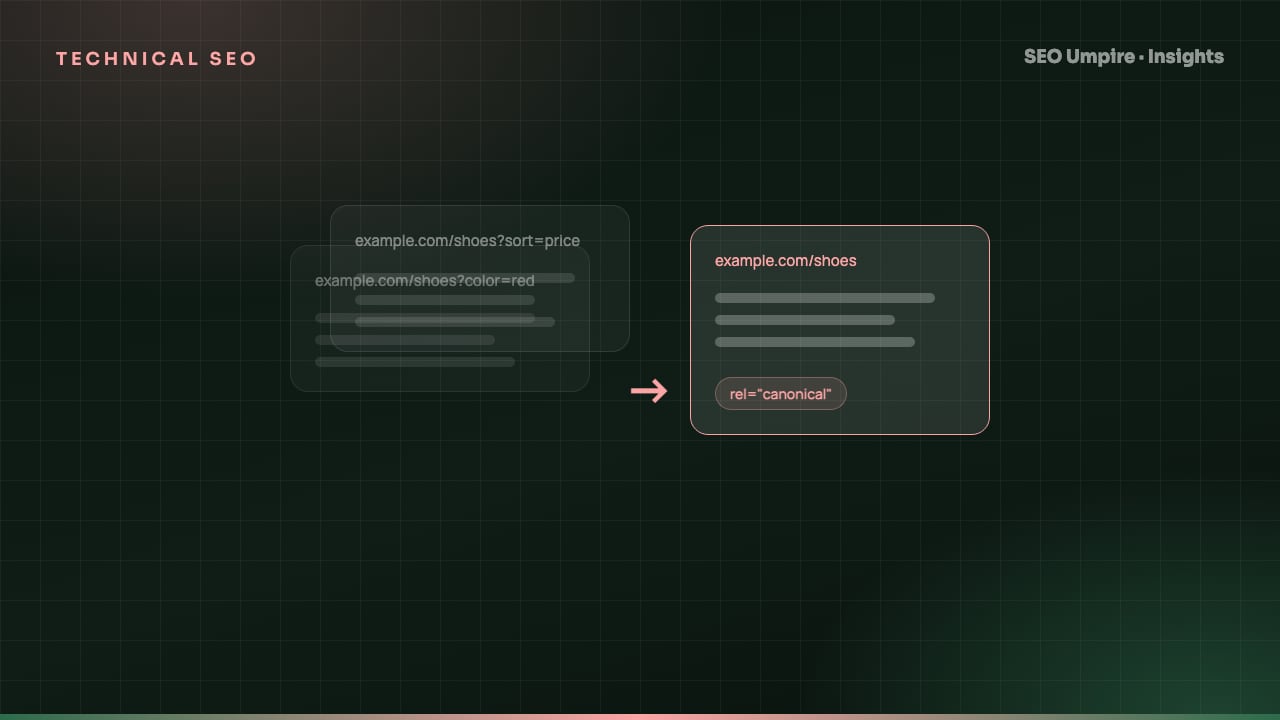 Technical SEO
Canonical Tag Guide: Fix Duplicate Content the Right Way
A canonical tag is a head link element naming the preferred URL among duplicate pages so search engines index one version. When to use it, syntax and mistakes.
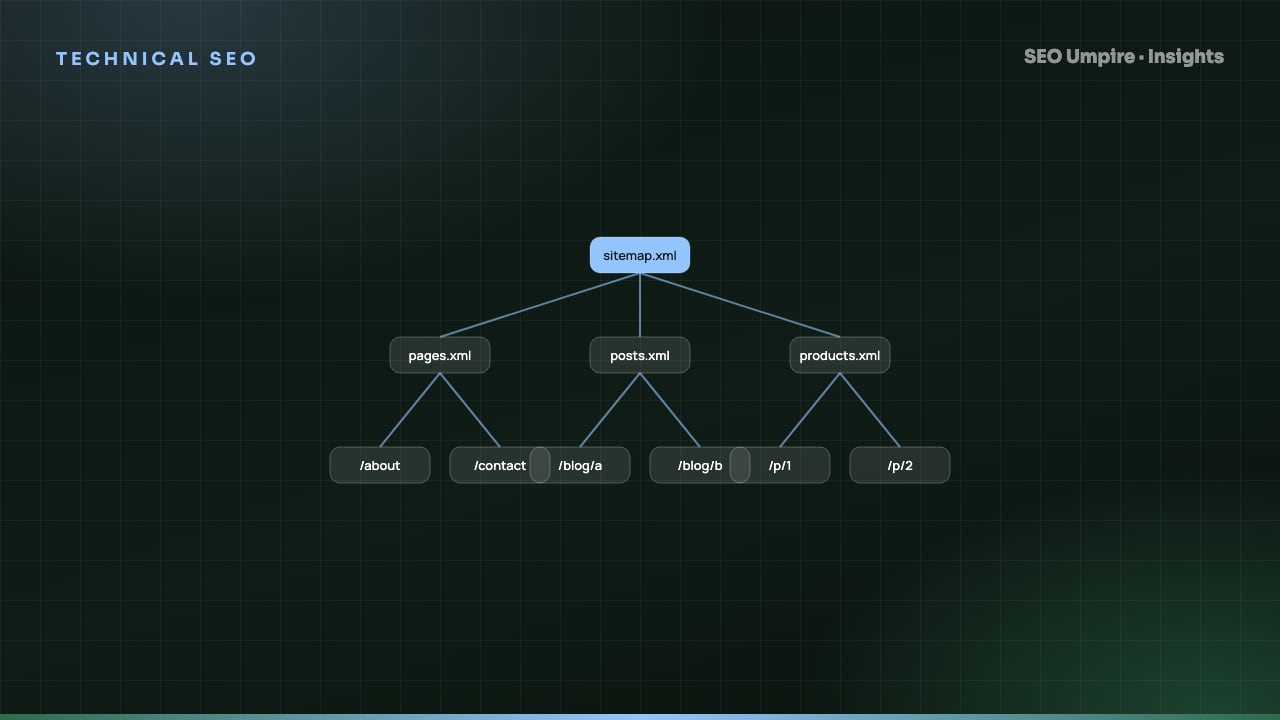 Technical SEO
XML Sitemap and Robots.txt Guide: Setup, Rules, Mistakes
An XML sitemap lists URLs you want indexed; robots.txt tells crawlers which paths they may fetch. How to build both right: syntax, limits, examples, mistakes.
One short email a week: what changed in Google and AI answers, and the fixes that matter. No spam, unsubscribe any time.