

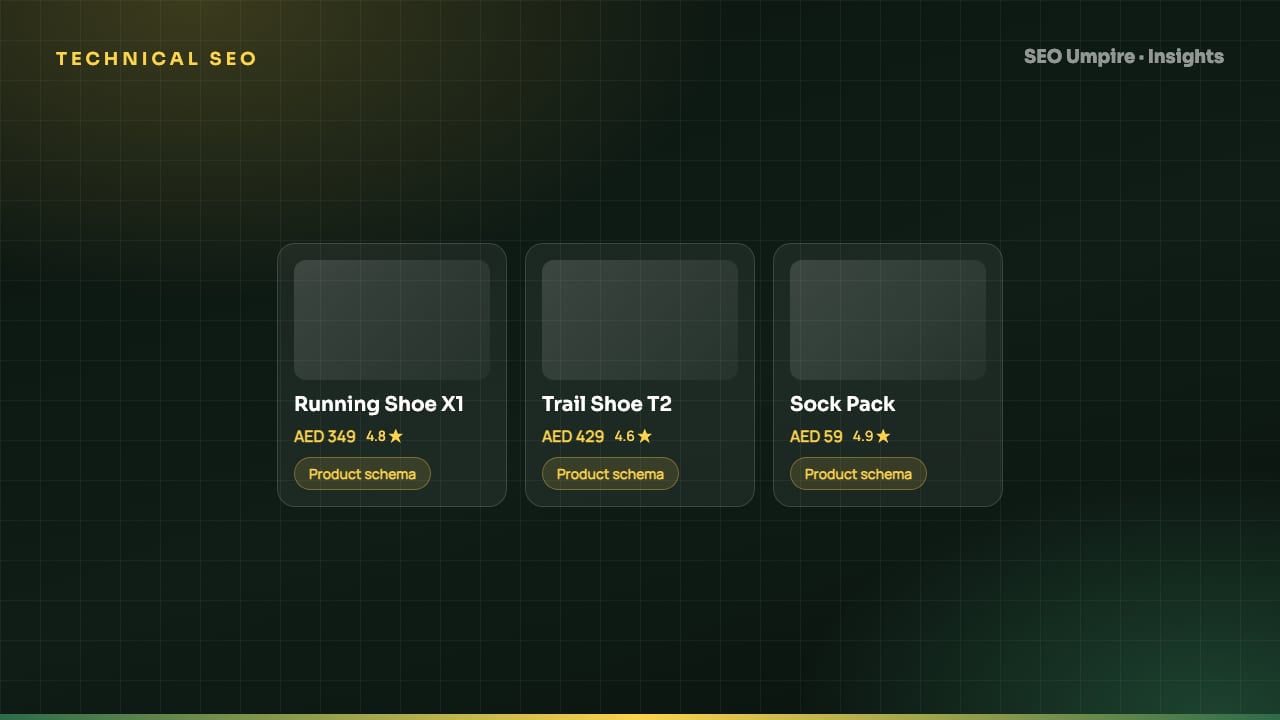
Ecommerce SEO Guide: How to Rank Product and Category Pages
Ecommerce SEO in 8 steps: site architecture, category pages that rank, unique product content, Product schema, faceted navigation, crawl budget and page speed.
Ecommerce SEO is the process of getting an online store's category, product and supporting pages to rank for commercial searches and to be quoted in AI shopping answers. It differs from blog SEO in three ways: stores have thousands of similar pages, filters and parameters create duplicate URLs at scale, and buyers want price, availability and reviews up front. Get the architecture, crawl control, Product schema and page speed right and most of the ranking work takes care of itself.
This guide follows the order that produces results fastest on a real store: architecture and crawl control first, category pages second, product pages third, then schema, speed and content.
How is ecommerce SEO different from regular SEO?
A content site might have 300 pages. A mid-size store has 5,000 products, 200 categories, and a filter system capable of generating millions of URLs. That changes the priorities:
- Crawl budget matters. Googlebot will not crawl infinite filter combinations, so you decide what gets crawled.
- Templates decide everything. A fix to the product template fixes 5,000 pages at once; a mistake breaks 5,000.
- Intent is commercial. Buyers compare price, shipping, reviews and stock. Pages need to show those immediately.
- Inventory changes daily. Out-of-stock and discontinued handling is an ongoing process, not a one-time task.
Step 1: Design a flat, logical architecture
Every product should be reachable within three clicks of the homepage: Home > Category > Subcategory > Product. Deeper structures starve products of authority and crawl frequency.
- URL structure:
/category/subcategory/for categories and/products/product-name/for products. Avoid putting the category in the product URL; products in several categories would get duplicate URLs. - Use breadcrumbs with BreadcrumbList schema on every page.
- Link to subcategories and top products from category pages, and to related products from product pages.
- Keep a HTML sitemap or a well-linked "all categories" page as a crawl path.
The internal linking strategy guide covers how to flow authority to money pages.
Step 2: Control faceted navigation
Filters for size, color, brand and price are great for shoppers and dangerous for crawlers. Decide which combinations have search demand and treat the rest as noise.
| Facet type | Example | Treatment |
|---|---|---|
| High demand, one facet | /running-shoes/womens/ | Indexable clean URL, unique title and intro |
| High demand, two facets | /running-shoes/womens/nike/ | Indexable if demand exists, otherwise canonical to parent |
| Sort, view, pagination parameters | ?sort=price&view=grid | Canonical to the unfiltered page; block in robots.txt only if canonicals are ignored |
| Price, size, color sliders | ?price=50-100&size=9 | noindex, canonical to parent, or block crawling |
| Session, tracking parameters | ?sessionid=, ?utm_ | Canonical to clean URL, never link internally |
Verify with a crawl that the indexable facet pages have unique titles and H1s, and that blocked ones are not in the sitemap. The canonical tags and duplicate content guide explains when canonical, noindex and robots.txt disallow are the right tool.
Step 3: Turn category pages into landing pages
Category pages win the "women's running shoes" and "ergonomic office chairs" queries that drive most store traffic. A grid of products with a one-word H1 does not rank. Add:
- A keyword-led title tag around 50 to 60 characters and a descriptive H1.
- A 100 to 200 word intro above the grid that answers what the category is, who it suits and how to choose.
- Links to subcategories and relevant buying guides.
- An FAQ section below the grid with FAQPage schema (sizing, shipping, returns, materials).
- Pagination with
rel="next"style sequential linking and a self-referencing canonical on each page; do not canonical page 2 to page 1.
Find the commercial queries and their modifiers with the keyword research tool and check search demand by market in keyword research by country if you sell internationally.
Step 4: Make product pages unique and useful
Manufacturer descriptions appear on every retailer's site, so they cannot differentiate yours. For each product that matters:
- Write a unique description that covers use cases, materials, fit, compatibility and comparison with the nearest alternative.
- Show price, availability, shipping time and return policy above the fold.
- Add specifications in a table (crawlable HTML, not an image).
- Collect and display real reviews with dates.
- Use high-resolution images with descriptive alt text; see image alt text for SEO.
- Answer the five pre-purchase questions in an FAQ block.
For a catalog of thousands, prioritize by revenue and search demand. Use the AI content tool to draft first versions from specifications, then edit for accuracy and brand voice.
Step 5: Add Product schema correctly
Product schema earns price, stock and rating rich results, feeds Google Merchant listings, and gives AI shopping assistants the structured facts they quote.
Required and recommended properties:
name,image,description,sku,brandofferswithprice,priceCurrency,availability,url, andpriceValidUntilif the price is promotionalaggregateRatingandreviewonly if the reviews are real and displayed on the pagegtinormpnwhere available
Validate in Google's Rich Results Test and watch the Merchant listings report in Search Console. The AI schema generator builds Product JSON-LD from a product URL, and the JSON-LD schema markup guide covers variants and bundles.
Step 6: Handle inventory changes
- Temporarily out of stock: keep the URL live, mark
availabilityasOutOfStock, show a restock date or notify button, and link alternatives. - Discontinued with a replacement: 301 redirect to the replacement.
- Discontinued with no replacement: 301 to the parent category, or return 410 if the page has no links or traffic.
- Seasonal products: keep the URL permanent and reuse it each season rather than creating a new one.
Never mass-delete products and leave 404s; you lose the links and the rankings they earned.
Step 7: Fix speed and Core Web Vitals
Store pages carry large images, review widgets, chat scripts and tracking pixels. Common fixes:
- Compress and serve product images as WebP or AVIF with correct dimensions; lazy-load everything below the fold but never the main product image.
- Defer third-party scripts (chat, reviews, personalization) until after interaction or load.
- Reserve space for images and widgets to stop layout shift.
- Use a CDN and server-level caching for category pages.
Target LCP under 2.5 s on mobile for product and category templates. The Core Web Vitals SEO guide shows how to diagnose each metric by template.
Step 8: Build supporting content
Buying guides, comparison pages and how-to articles capture research-stage traffic and feed links to categories. Examples: "How to choose a standing desk", "Best running shoes for flat feet", "Linen vs cotton sheets". Each should link to the relevant category and three to five products. This content is also what AI assistants cite when someone asks for a recommendation; the guide to getting cited by ChatGPT, Perplexity and AI Overviews explains the format they prefer.
Ecommerce SEO checklist
- Three-click architecture with breadcrumbs
- Facet strategy documented and enforced with canonicals and noindex
- Unique titles, H1s, intros and FAQs on every indexable category page
- Unique descriptions on top-revenue products, specs in HTML tables
- Product schema validated, Merchant listings report clean
- Out-of-stock and discontinued rules written and automated
- Mobile LCP under 2.5 s on product and category templates
- Reviews collected, displayed and marked up
- Buying guides linked to categories
- Monthly crawl for duplicate titles, orphaned products, redirect chains and broken links
Run SEO Umpire's free SEO checker on your top category and product templates to see which items are failing, then schedule a full site audit so inventory changes do not quietly create thousands of errors between checks.
Frequently asked questions
What is ecommerce SEO?
Ecommerce SEO is the practice of making an online store's category, product and supporting pages rank in search engines and appear in AI shopping answers. It combines site architecture, crawl control, unique content, Product schema, reviews and page speed.
Should I optimize category pages or product pages first?
Category pages first. They target the higher-volume commercial queries ("women's running shoes") and pass authority to products. Product pages then capture specific model and long-tail searches.
How do I handle out-of-stock products for SEO?
Keep the page live with a 200 status if the product will return, show availability as OutOfStock in schema, and suggest alternatives. If it is permanently gone, 301 redirect to the closest replacement or the parent category.
Does Shopify or WooCommerce rank better?
Neither platform has a built-in ranking advantage. WooCommerce gives more control over URLs and markup; Shopify handles hosting and speed with less effort. Rankings depend on content, architecture and links, not the cart software.
Free audit, 32 checks, prioritized fixes and a PDF report in about 15 seconds. No signup.
Keep reading
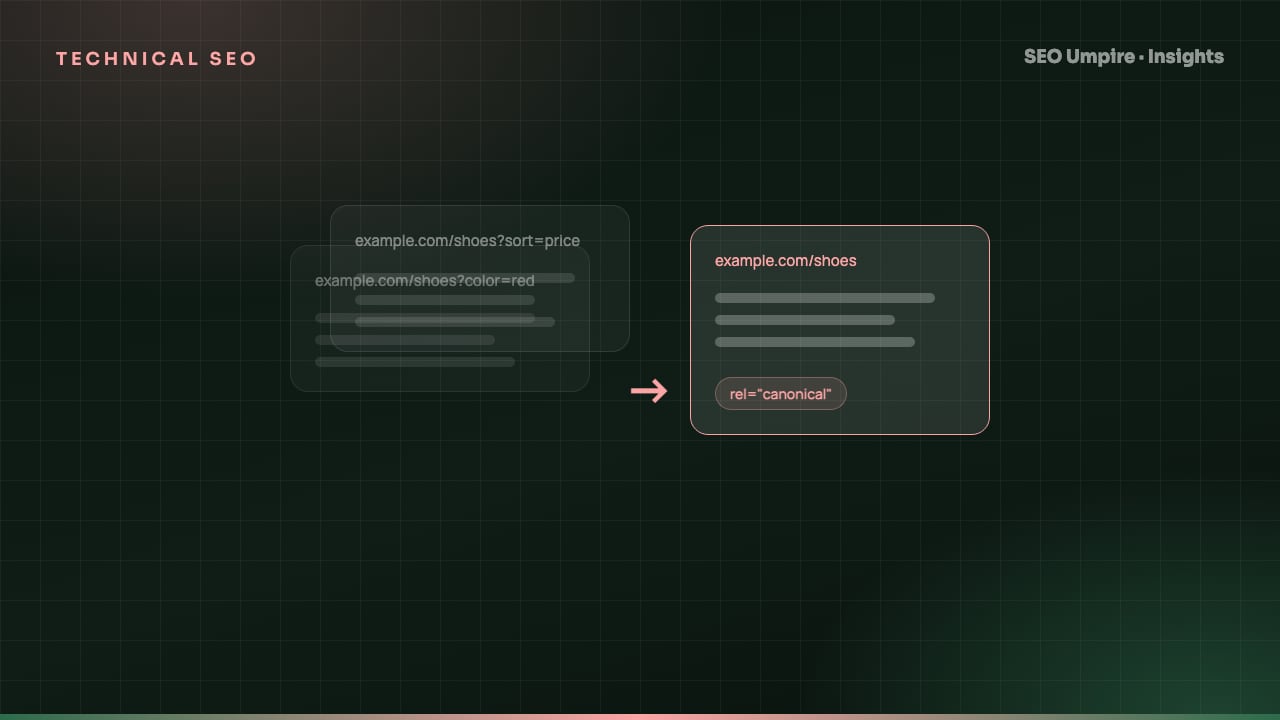 Technical SEO
Canonical Tag Guide: Fix Duplicate Content the Right Way
A canonical tag is a head link element naming the preferred URL among duplicate pages so search engines index one version. When to use it, syntax and mistakes.
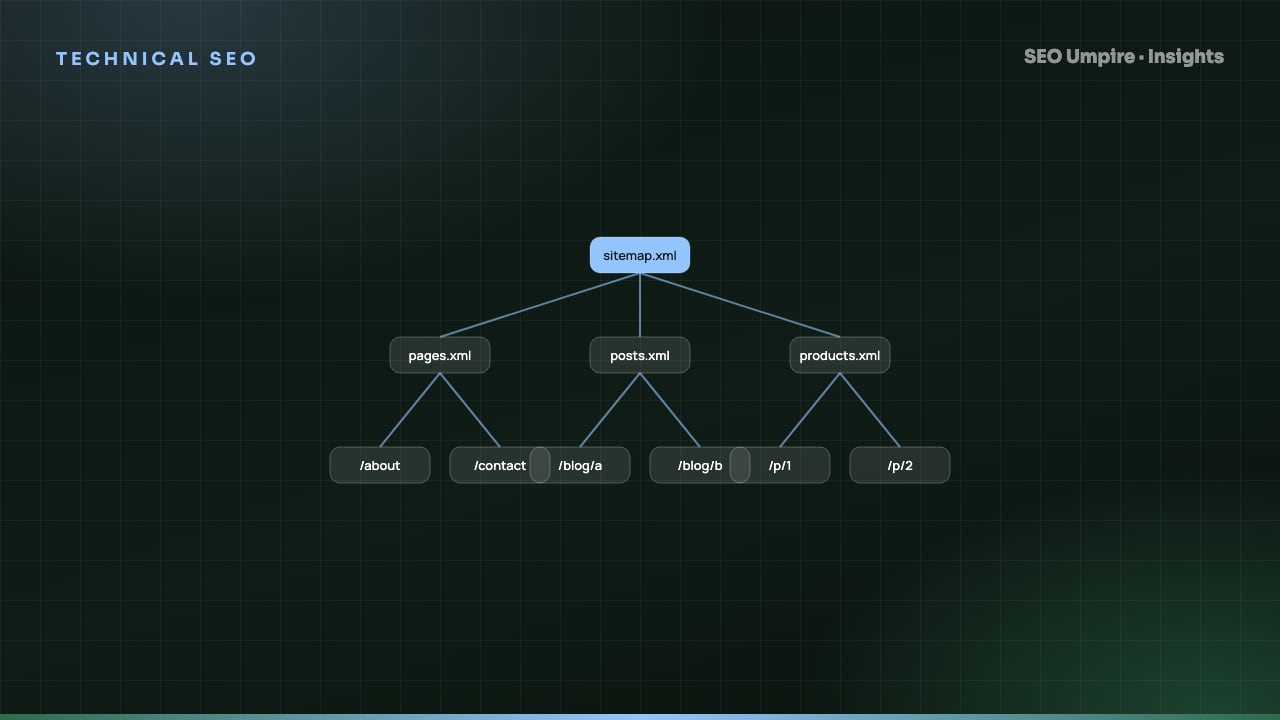 Technical SEO
XML Sitemap and Robots.txt Guide: Setup, Rules, Mistakes
An XML sitemap lists URLs you want indexed; robots.txt tells crawlers which paths they may fetch. How to build both right: syntax, limits, examples, mistakes.
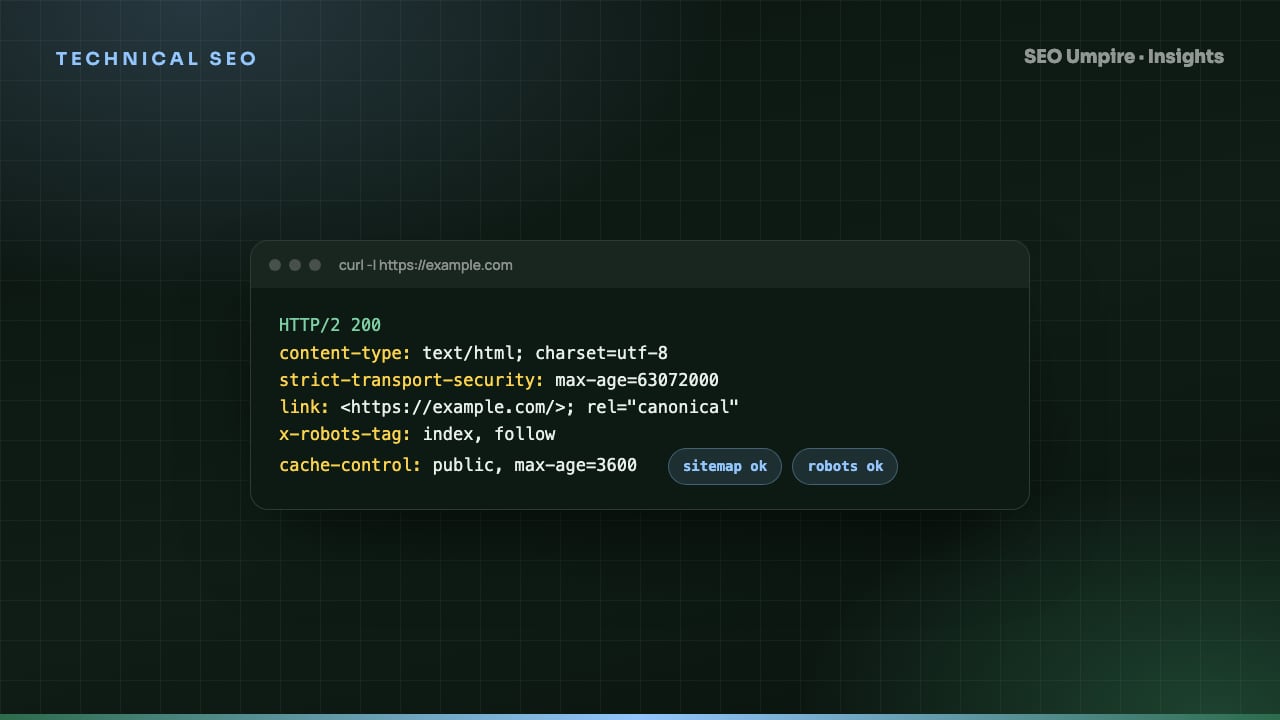 Technical SEO
 Checklist: 32 Checks for Crawl, Index, Rank
A technical SEO checklist covers crawlability, indexation, architecture, speed, structured data and security. 32 checks in priority order with pass criteria.
One short email a week: what changed in Google and AI answers, and the fixes that matter. No spam, unsubscribe any time.