

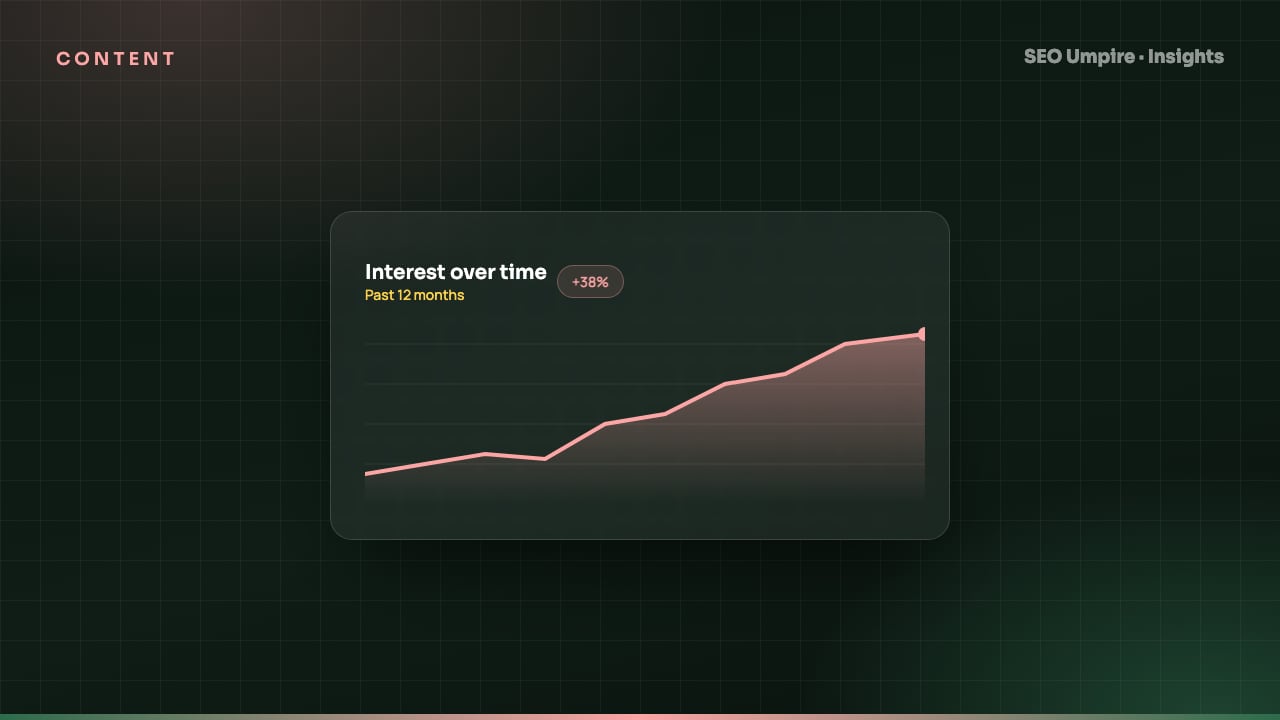
Google Trends for SEO: 9 Ways to Use It for Keywords and Content
How to use Google Trends for SEO: read the 0 to 100 index, compare keyword variants, plan seasonal content, find rising queries and check demand by country.
Google Trends for SEO is the practice of using Google's free interest-over-time data to pick the right keyword variants, time seasonal content, spot rising queries before they get competitive and validate demand by country. Trends does not show search volume; it shows relative interest on a 0 to 100 index, so its value is in comparison and timing rather than raw numbers. Pair it with a keyword tool for volumes and you have a complete picture of what people search, when and where.
This guide covers how to read the data correctly and nine concrete ways to use it, each with the exact settings to apply.
What does Google Trends actually measure?
Trends samples Google searches, normalizes them by total search activity in the chosen region and period, and scales the result so the highest point equals 100. Three consequences follow:
- A score of 50 means half the peak interest, not half the volume of another term. Scores are only comparable inside the same chart.
- Adding a term to a comparison rescales everything because the new peak becomes 100.
- Low-volume terms show gaps or flat lines because the sample is too small. If a term shows nothing, it is not necessarily zero demand; it is below the reporting threshold.
Trends has two data sets: real-time (last seven days, sampled from the last few days) and non-real-time (2004 to around 72 hours ago). Use the non-real-time set for any SEO planning.
Google Trends vs a keyword research tool
| Question | Google Trends | Keyword research tool |
|---|---|---|
| Is interest growing or shrinking? | Yes, clearly | Partially (monthly history) |
| How many searches per month? | No | Yes |
| Which spelling or variant is more popular? | Yes | Yes |
| When does demand peak each year? | Yes, best source | Sometimes |
| Where (country, state, city) is interest strongest? | Yes | Country level |
| What is rising right now? | Yes, Rising queries | Rarely |
| How hard is it to rank? | No | Yes |
Use Trends for direction, timing and geography; use the keyword research tool for volume and difficulty. The trends tool in SEO Umpire combines both views so you do not switch tabs.
9 ways to use Google Trends for SEO
1. Choose between keyword variants
"Resume template" vs "CV template", "sneakers" vs "trainers", "ecommerce" vs "e-commerce". Enter up to five variants in one comparison, set the country to your market and the range to 12 months. Use the winner as the primary term and the others as secondary mentions. Check the result per country; the winner often flips between the US and the UK.
2. Map seasonality and plan publishing dates
Set the range to five years and look for repeating peaks. Then:
- Note the week interest begins to rise, not the peak week.
- Schedule publication 6 to 8 weeks before that rise.
- Refresh the page and add internal links 2 weeks before.
- Track rankings through the season in the rank tracker.
Tax, holiday gifts, back to school, fitness in January, allergies in spring and travel in early summer all show curves that have barely changed in a decade.
3. Find rising queries before they are competitive
Scroll to Related queries and switch from Top to Rising. Terms marked Breakout grew more than 5,000%. Filter out news spikes and brand names, and check the remaining terms in a keyword tool. A rising query with no dedicated page in the top ten is the best content opportunity you will find this month.
4. Validate a content idea in 60 seconds
Before writing a 2,000-word guide, type the topic into Trends with a five-year range. A steady or rising line justifies evergreen investment. A line that peaked two years ago and is falling means you are writing for a shrinking audience. A single spike means it was news, not a topic.
5. Find where demand lives
The Interest by subregion map shows which states, provinces or cities over-index. Use it to decide which location pages to build first, which country editions to prioritize and where to localize spelling and currency. Combine it with keyword research by country to get volumes for each market.
6. Separate brand from category demand
Compare your brand name against the category term and competitor brands. Rising category interest with flat brand interest means competitors are capturing growth. This is a useful chart in a client report; see SEO reports for clients.
7. Spot declining topics to prune or refresh
Run your top 30 blog topics through Trends in batches of five. Topics in long decline are candidates to consolidate into a stronger page. Topics that are flat but important are refresh candidates: update facts, add FAQ schema and re-promote.
8. Use the search type filter
Trends can filter by Web, Image, News, Shopping and YouTube search. Shopping interest tells ecommerce sites when buying intent starts, which is often weeks after informational interest. YouTube interest tells you whether a topic deserves video. The ecommerce SEO guide covers how to time category page refreshes to Shopping curves.
9. Check what AI search is being asked
Rising queries phrased as full questions ("is X safe", "how does X work", "X vs Y which is better") are exactly what people also ask ChatGPT, Perplexity and Google AI Overviews. Build answer-first sections and FAQ blocks around them; the AEO guide shows the format answer engines prefer.
Step by step: a monthly Trends review
- Open Trends, set your country and the past 90 days.
- Enter your five main category terms; note any that are rising or falling against the others.
- For each, read Rising related queries and export the list.
- Remove news spikes and brand names; check the rest for volume and difficulty in the keyword research tool.
- Add the viable terms to the content calendar, dated 6 to 8 weeks before their seasonal rise if they have one.
- Compare your brand against competitors and record the share for the monthly report.
- Repeat with the Shopping or YouTube filter if relevant.
The whole review takes about an hour and typically produces three to five content ideas with real demand.
Reading Trends correctly: common mistakes
- Treating 100 as a volume. It is the peak of the chosen set and period, nothing more.
- Comparing terms from separate charts. Always put them in the same comparison.
- Using worldwide data for a single-market site. Set the country, and the subregion if you are local.
- Reading a seven-day spike as a trend. Switch to twelve months or five years before deciding anything.
- Ignoring category context. Trends assigns a category to disambiguate words like "apple" or "jaguar"; set it when a term is ambiguous.
- Trusting flat lines on niche terms. Below the threshold means unknown, not zero. Check volumes elsewhere.
Putting it into a workflow
Trends tells you what to write and when. Keyword tools tell you how much and how hard. Rank tracking tells you whether it worked. Run the three together: pick seasonal and rising topics in Trends, size them in the keyword tool, publish ahead of the curve, and track the result. Then run the finished page through the free SEO checker so structure, meta and schema are ready when the seasonal traffic arrives.
Frequently asked questions
Does Google Trends show search volume?
No. It shows relative interest indexed from 0 to 100, where 100 is the peak popularity for the term in the chosen region and period. Use it to compare terms and see patterns over time, then use a keyword research tool for absolute volumes.
What is the difference between Top and Rising in Google Trends?
Top queries are the most searched related terms in the period. Rising queries are those with the largest growth, shown as a percentage or as Breakout for growth over 5,000%. Rising is where you find new opportunities before competitors.
How accurate is Google Trends for SEO?
It is accurate for direction and relative comparison, especially over longer periods and for terms with meaningful volume. Low-volume terms show noisy or empty data, and the index rescales whenever you change the comparison set.
How far ahead should I publish seasonal content?
Six to eight weeks before the interest curve begins to rise. That gives time for indexing, early rankings and internal links so the page is competitive when searches peak.
Free audit, 32 checks, prioritized fixes and a PDF report in about 15 seconds. No signup.
Keep reading
 Content
E-E-A-T SEO Guide: How to Show Experience, Expertise and Trust
E-E-A-T SEO explained: what Experience, Expertise, Authoritativeness and Trust mean, why E-E-A-T is not a ranking factor, and 14 on-page signals that show it.
 Content
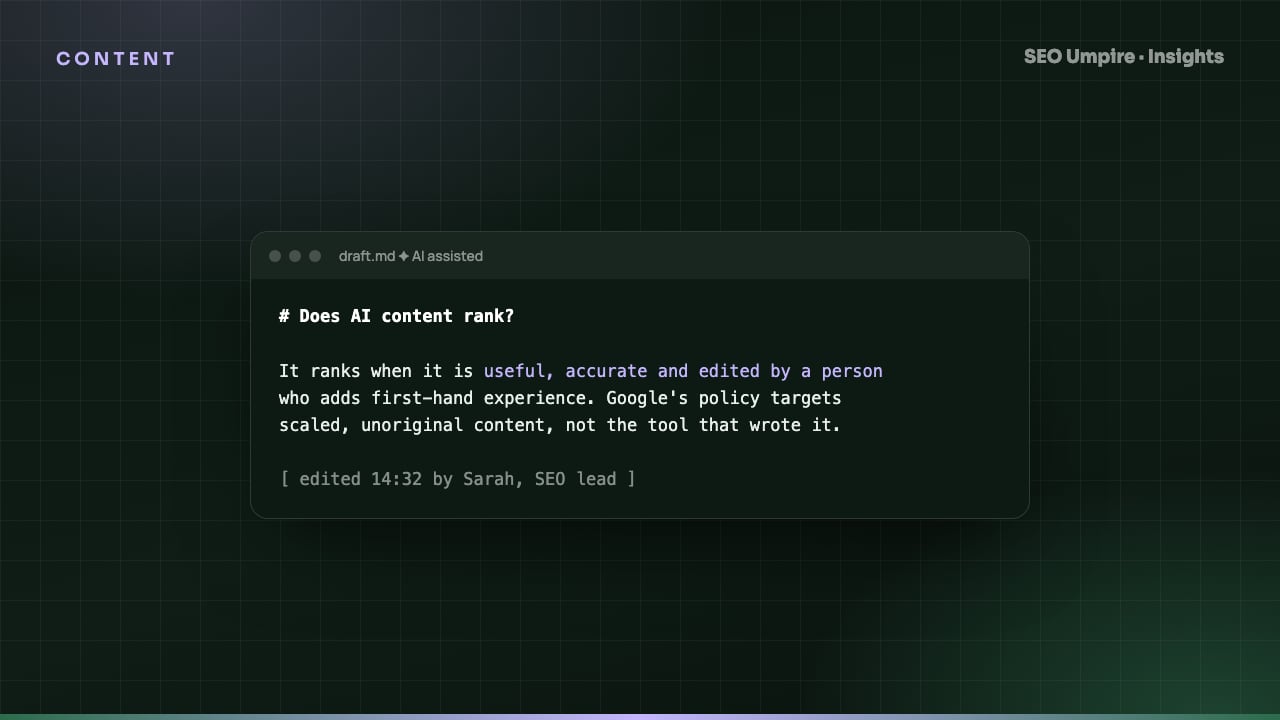
Does AI Content Rank on Google? What Actually Works in 2026
Does AI content rank? Yes when it is accurate, original and reviewed; no when it is mass-produced filler. What Google's policy says and a workflow that ranks.
 Content
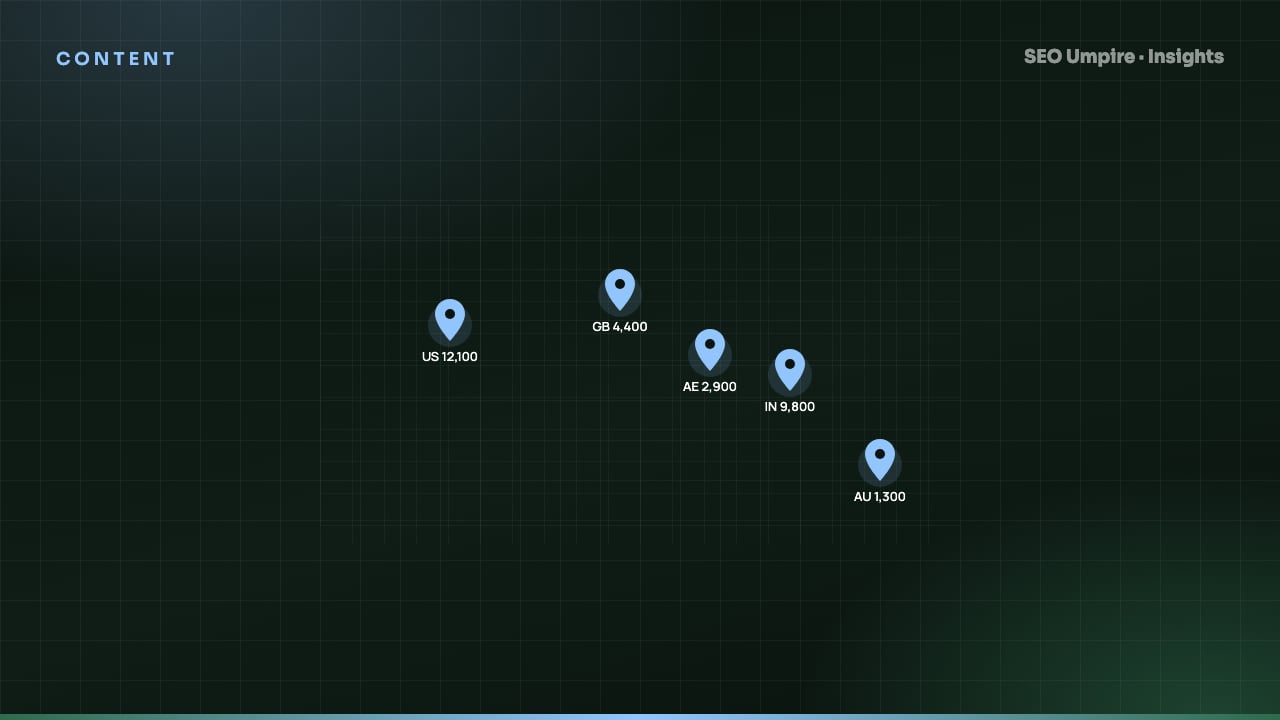
Keyword Research by Country: How to Target Each Market
Keyword research by country pulls volume, difficulty and SERP data per Google country database, then adapts for local language, spelling and intent. The method.
One short email a week: what changed in Google and AI answers, and the fixes that matter. No spam, unsubscribe any time.