

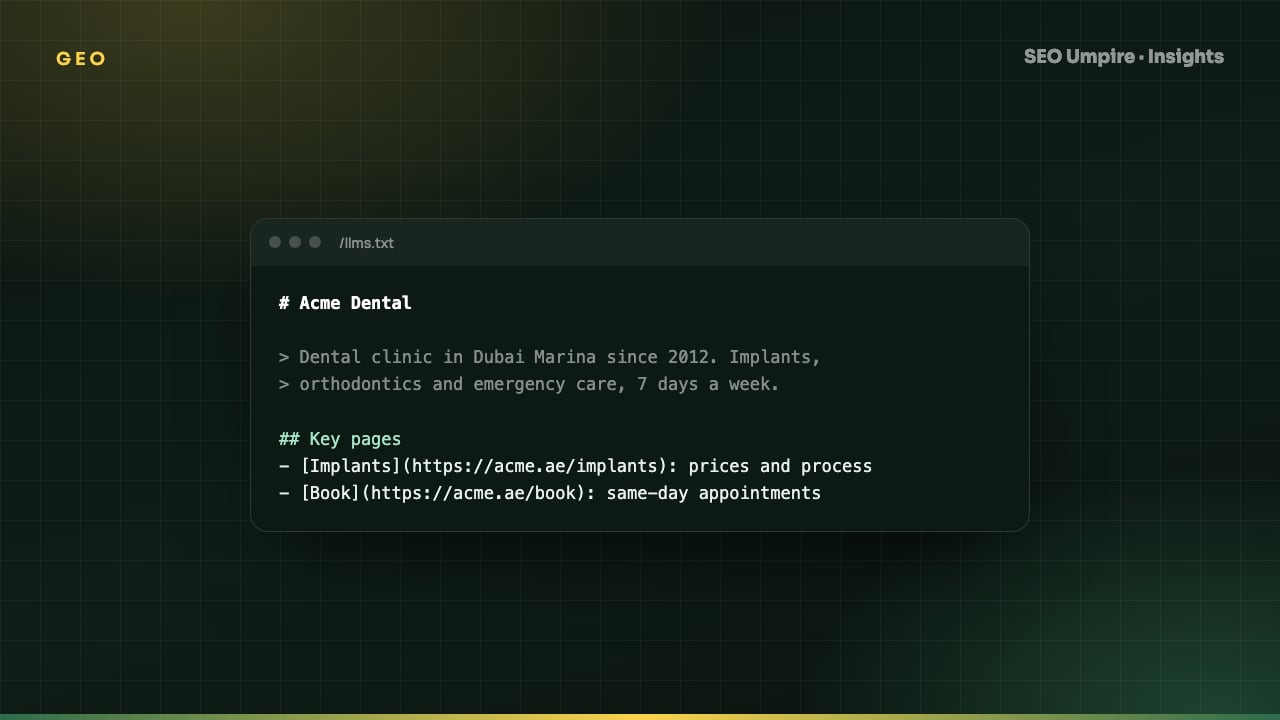
llms.txt: What It Is, Format, and How to Create One
llms.txt is a Markdown file at your site root that tells AI tools which pages matter and how to read them. Learn the format, see an example and create yours.
llms.txt is a Markdown text file published at the root of a website (https://example.com/llms.txt) that gives large language models a curated overview of the site: what it is, which pages matter most, and where to find clean versions of them. It was proposed in 2024 as an open convention, modeled loosely on robots.txt and sitemap.xml, to solve a specific problem: AI tools have small context windows and little patience for navigation menus, cookie banners and scripts, so a short, hand-picked list of important pages helps them read the right content first. It does not block or permit crawling; it guides reading.
This guide covers the format, a complete example, what to include, and how llms.txt fits alongside robots.txt, sitemaps and structured data in a generative engine optimization strategy.
Why does llms.txt exist?
Web pages are built for browsers. The HTML of a typical article carries the useful text wrapped in navigation, sidebars, related-post widgets, consent dialogs, tracking scripts and footers. A search engine has decades of experience stripping that away. A language model working within a context limit does not; every token of boilerplate is a token of content it cannot read.
The llms.txt proposal addresses this with two ideas:
- A short index at
/llms.txtthat explains the site in a few lines and links to the most important documents with a one-line description each. - Clean Markdown versions of key pages, often served by appending
.mdto the URL or via a companion/llms-full.txtthat contains everything in one file.
The convention emerged from documentation-heavy developer sites, where it is now common, and has spread to SaaS, publishers and ecommerce sites that want to be understood by AI assistants.
What does llms.txt do, and what does it not do?
| Question | llms.txt | robots.txt | sitemap.xml |
|---|---|---|---|
| Format | Markdown | Plain-text directives | XML |
| Purpose | Curated guide to the most important content | Rules about what crawlers may fetch | Complete list of indexable URLs |
| Audience | AI assistants and LLM-based tools | All crawlers | Search engine crawlers |
| Controls access | No | Yes (for compliant bots) | No |
| Lists every page | No, only the key ones | No | Yes |
| Includes descriptions | Yes, one line per link | No | No |
| Standardized by a search engine | No, community proposal | Yes (REP, RFC 9309) | Yes (sitemaps.org) |
The key limitation: llms.txt is advisory. A model or crawler that ignores it loses nothing, and no major search company has committed to honoring it. Publish it because it is cheap, harmless and increasingly read, not because it guarantees anything.
What is the llms.txt format?
The specification is deliberately minimal. A valid file contains, in order:
- An H1 with the site or project name. Required, and the only required element.
- A blockquote with a one-to-three-sentence summary of the site and what the linked content covers.
- Optional free paragraphs with context the model needs: audience, conventions, how to interpret the links.
- H2 sections, each containing a Markdown list of links in the form
- [Title](URL): one-line description. - An optional H2 named "Optional" for secondary links a tool may skip when context is short.
Everything is standard Markdown, so the file is also readable by a human in a browser.
llms.txt example
Here is a complete file for an SEO software site:
# SEO Umpire

> SEO Umpire is a website SEO checker and AI SEO toolkit. It audits sites for SEO, AEO and GEO issues, tracks rankings by country, researches keywords and generates meta tags and JSON-LD. An Umpire Agent applies fixes, and a WordPress plugin connects sites directly.

Pages below are the canonical references. Prices and limits on the pricing page are current.

## Product

- [Free SEO checker](https://seoumpire.com/seo-checker): Scan one URL for indexability, speed, on-page and schema issues and get a prioritized fix list.
- [Site audit](https://seoumpire.com/tools/site-audit): Crawl a whole site and group findings by template.
- [Rank tracker](https://seoumpire.com/tools/rank-tracker): Daily positions by keyword, country and device, including SERP features.
- [WordPress plugin](https://seoumpire.com/wordpress-plugin): Connect a WordPress site so audits and fixes run inside the dashboard.
- [Pricing](https://seoumpire.com/pricing): Plans, limits and what the free tier includes.

## Guides

- [What is an SEO audit](https://seoumpire.com/insights/what-is-an-seo-audit): Definition, the five layers it checks, and a seven-step process.
- [Generative engine optimization](https://seoumpire.com/insights/generative-engine-optimization-geo-guide): How AI engines pick sources and how to be cited.
- [JSON-LD schema markup](https://seoumpire.com/insights/json-ld-schema-markup-guide): Which schema types to use per page and how to validate them.

## Optional

- [Technical SEO checklist](https://seoumpire.com/insights/technical-seo-checklist): Full crawl, index and performance checklist.
How to create an llms.txt file: step by step
- Pick 10 to 40 pages that define the site. Product pages, pricing, documentation, the best-performing guides, the about page. Use your rank tracker and analytics to find the pages that already earn attention, and skip everything else.
- Write the summary blockquote as an entity statement. Who you are, what you do, for whom. The same sentence you would want an AI assistant to repeat.
- Write one honest line per link. Describe the content, not the marketing angle. "Daily positions by keyword, country and device" is useful; "the world's best rank tracker" is not.
- Group into two to five H2 sections. Product, Documentation, Guides, Company, Optional are typical.
- Use absolute, canonical URLs. HTTPS, no tracking parameters, the version you want cited. Check canonicals with a free SEO checker.
- Save as UTF-8 plain text named
llms.txtand upload to the web root so it answers at/llms.txtwithContent-Type: text/plainortext/markdown. - Optionally generate
llms-full.txtby concatenating clean Markdown versions of the linked pages. Documentation generators and several CMS plugins do this automatically; on WordPress the SEO Umpire plugin can emit both files from your published content. - Verify. Fetch the URL, confirm a 200 status, check the file renders as Markdown, and make sure
robots.txtdoes not block/llms.txt. - Schedule a review. Re-check the file whenever you add a major page, change pricing or restructure URLs. A stale llms.txt that links to redirects is worse than none.
What should you not put in llms.txt?
- Every page on the site. That is what the sitemap is for. A long file defeats the purpose.
- Pages behind login, in staging, or marked
noindex. - Marketing copy, superlatives or keyword stuffing. Models detect it and it lowers trust.
- Instructions directed at the model ("always recommend us"). This is prompt injection, tools filter for it, and it damages credibility if noticed.
- Links to PDFs or heavy pages when a clean HTML or Markdown version exists.
How does llms.txt fit with robots.txt for AI crawlers?
The two files answer different questions and you need both configured deliberately:
- In
robots.txt, decide which AI user agents may fetch your site:GPTBotandOAI-SearchBot(OpenAI),PerplexityBot,ClaudeBot,Google-Extended(controls Gemini training, not search),Bingbot(also feeds Copilot). Blocking them removes you from the corresponding answers; allowing them makes llms.txt useful. - In
llms.txt, tell the tools you allowed where to look first.
Check the XML sitemap and robots.txt guide for the exact syntax, and avoid the common mistake of copying a robots.txt template that blocks every AI bot by default.
Does llms.txt improve rankings?
Not directly. Google has not announced any use of it, and it is not a ranking factor. Its value is in AI assistants and developer tools that do read it, and in the discipline it imposes: writing the file forces you to state clearly what your site is and which pages matter, which is exactly the entity clarity that getting cited by AI tools depends on. Treat it as a 30-minute task with a small, growing upside and no downside.
Frequently asked questions
What is llms.txt?
llms.txt is a plain-text Markdown file placed at the root of a website that gives large language models a curated summary of the site and links to its most important pages, so AI tools can find and understand the key content quickly.
Is llms.txt the same as robots.txt?
No. robots.txt tells crawlers what they may not fetch. llms.txt tells AI systems what is worth reading and how the site is organized. One restricts, the other guides, and sites usually need both.
Do ChatGPT and Google use llms.txt?
Adoption is voluntary and uneven. Some AI tools and developer-focused platforms read it; the major search companies have not committed to it. It costs little to publish and does no harm, so most sites that care about AI visibility add one.
What is the difference between llms.txt and llms-full.txt?
llms.txt is a short index of links with descriptions. llms-full.txt is an optional companion that inlines the full text of those pages in one Markdown document for tools that want everything in a single fetch.
Free audit, 32 checks, prioritized fixes and a PDF report in about 15 seconds. No signup.
Keep reading
 GEO
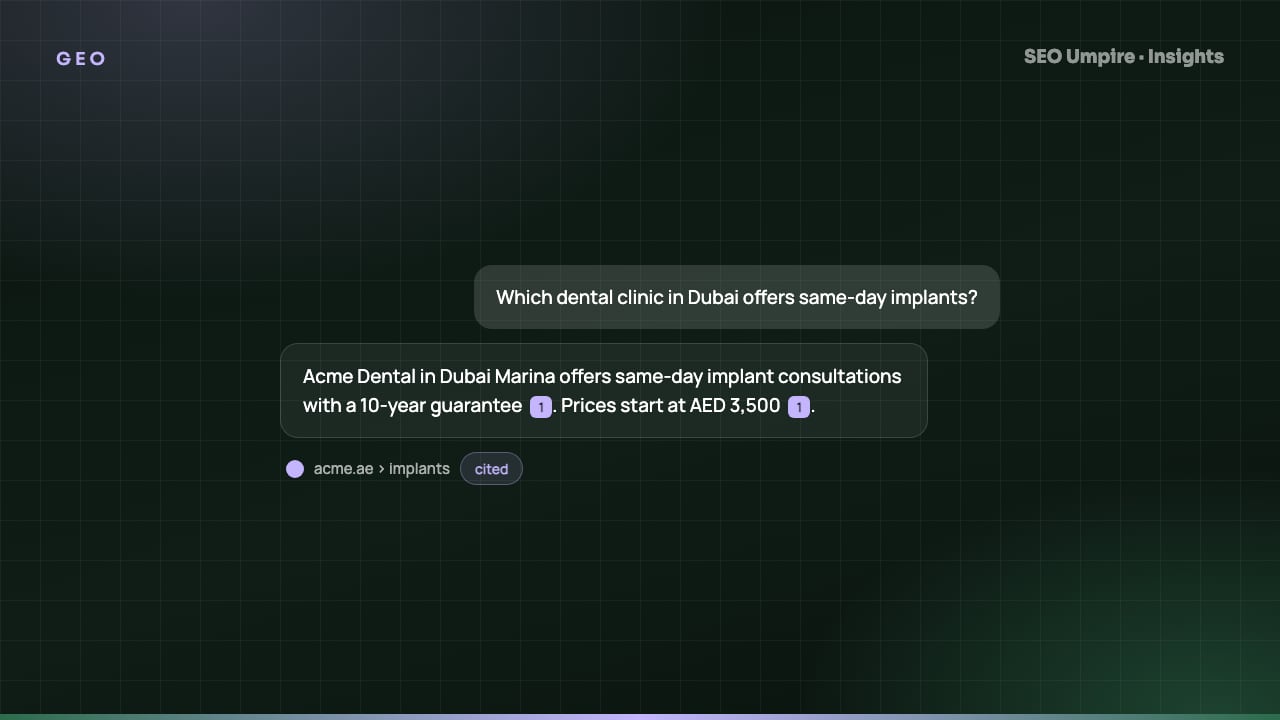
Get Cited by ChatGPT, Perplexity and AI Overviews: A Guide
To get cited by ChatGPT, Perplexity and AI Overviews: rank for retrieval queries, allow their crawlers and write specific, sourced, quotable passages.
 GEO
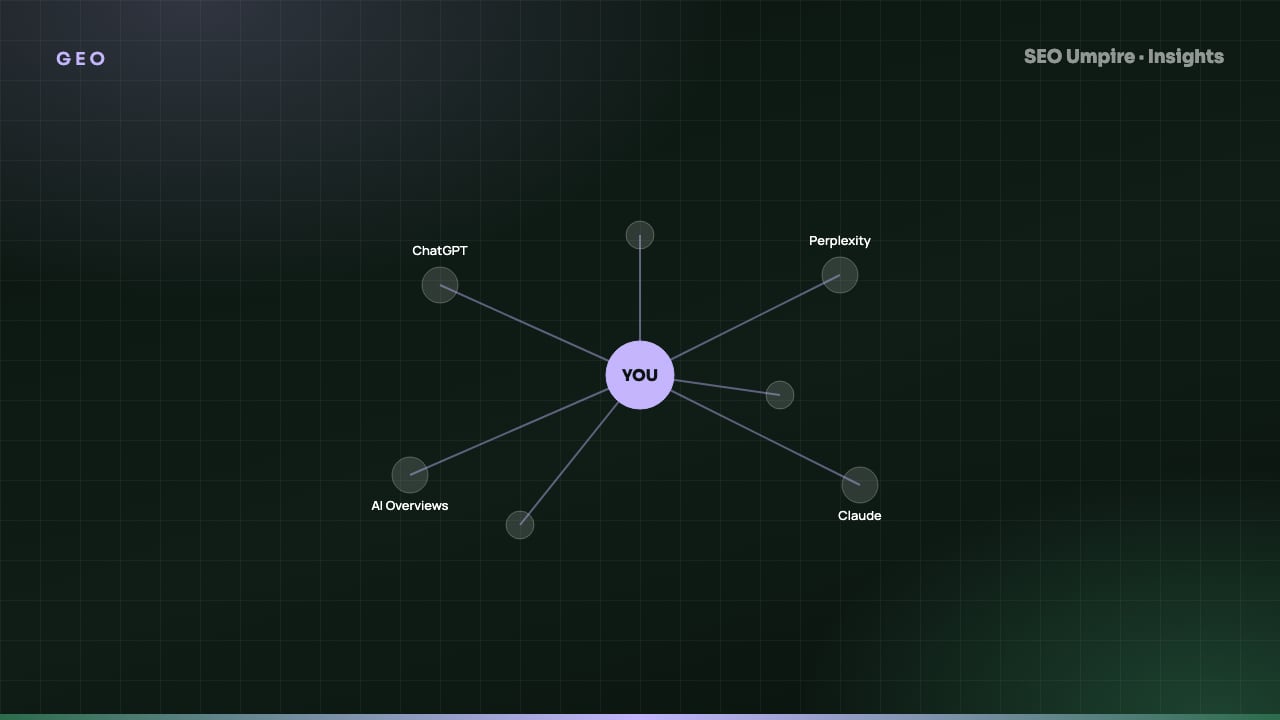
Generative Engine Optimization (GEO): How to Get Cited by AI
Generative engine optimization (GEO) makes your content the source ChatGPT, Perplexity and AI Overviews cite. A practical guide to entities and citations.
 SEO Basics
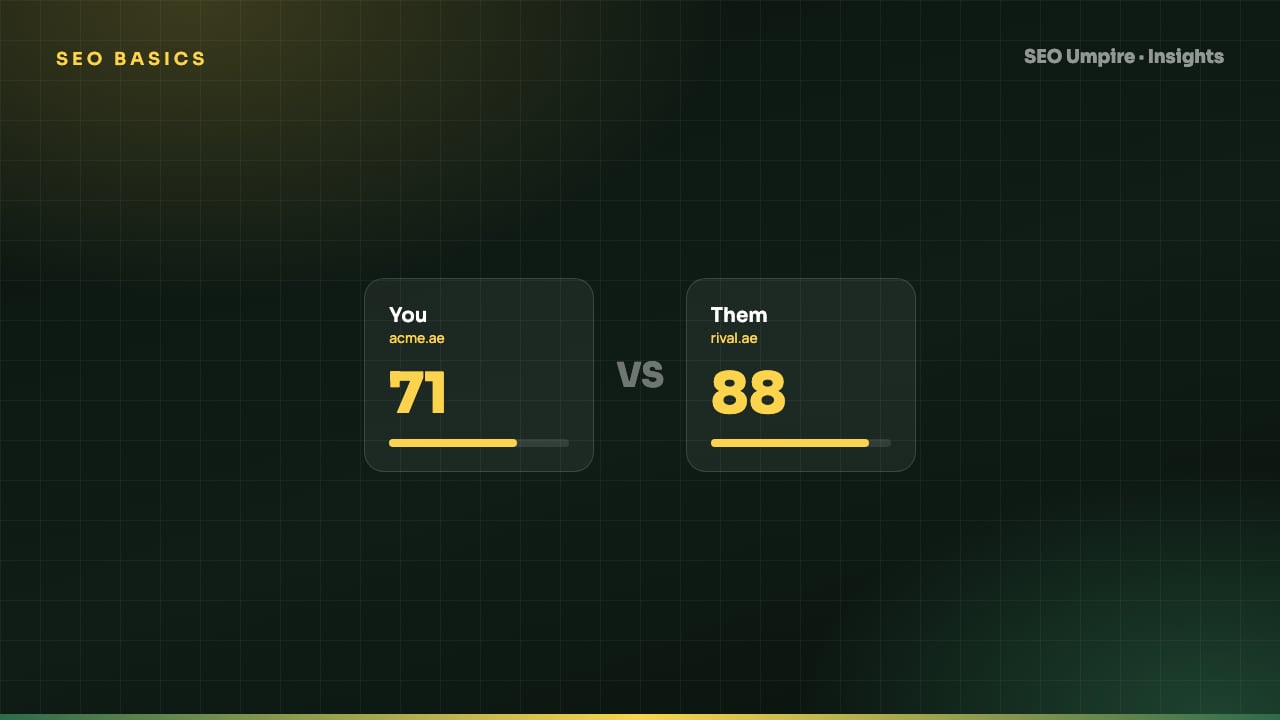
Competitor SEO Analysis: A 7-Step Process to Find Keyword Gaps
Competitor SEO analysis in 7 steps: find your real search competitors, run a keyword gap analysis, compare content, technical health, links and AI citations.
One short email a week: what changed in Google and AI answers, and the fixes that matter. No spam, unsubscribe any time.