

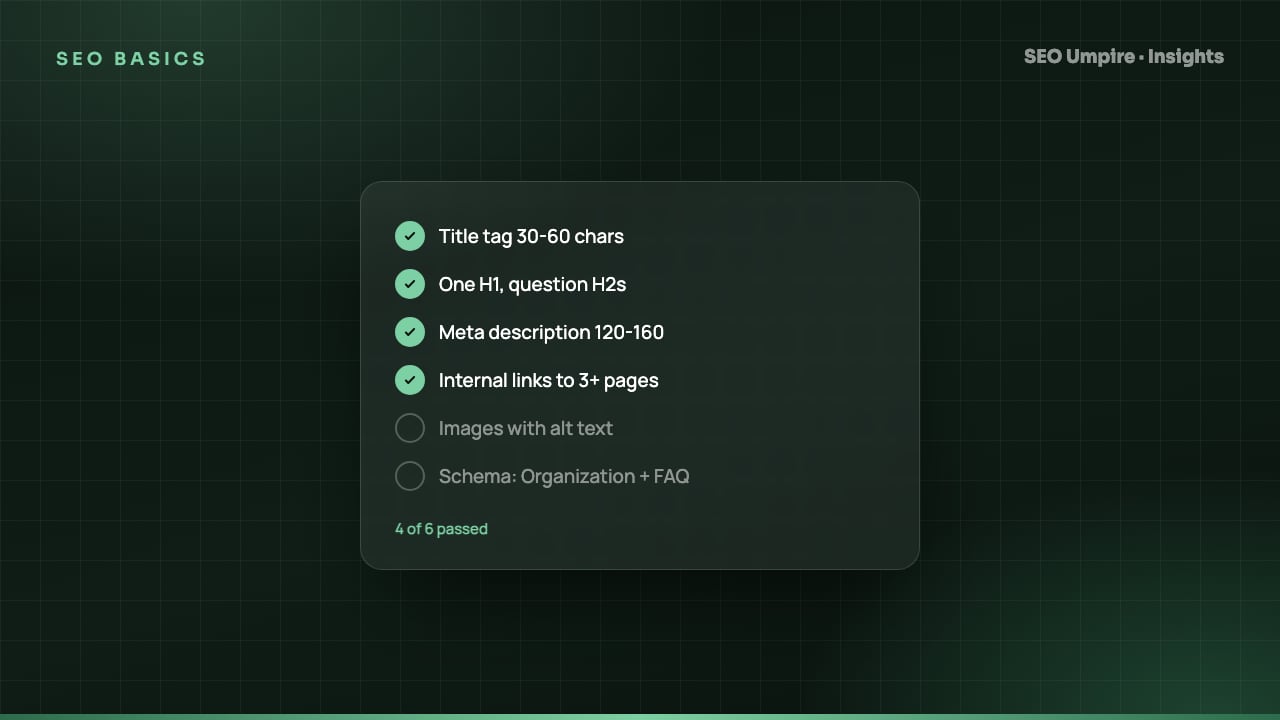
On-Page SEO Checklist: 25 Checks for Every Page in 2026
An on-page SEO checklist covers title, meta description, URL, headings, body copy, links, images and schema on one page. 25 checks with exact pass criteria.
An on-page SEO checklist is the set of checks you apply to a single URL before and after publishing: the title tag, meta description, URL slug, heading hierarchy, body content, internal and external links, images and structured data. Done well, it tells search engines exactly what the page is about and gives answer engines a quotable passage for every question the page covers. Here are 25 checks with pass criteria, in the order you encounter them on a page.
What does on-page SEO actually control?
On-page SEO covers the elements inside the HTML document that you can edit without touching server configuration. It does not include backlinks (off-page) or crawl and index settings (technical SEO, covered in our technical SEO checklist). The goal is relevance and clarity: a search engine should be able to identify the main topic in a second, and a reader should get the answer without scrolling.
Checks 1 to 5: Title tag and meta description
- Title tag contains the primary keyword near the front. Pass: keyword within the first 3 to 5 words, total length around 50 to 60 characters so it does not truncate at Google's roughly 600 pixel limit.
- Title is unique across the site. Pass: no other URL shares the same title. Duplicate titles are the most common on-page issue found in site crawls.
- Title promises something specific. Pass: it includes a number, a year, a format ("checklist", "guide", "template") or a benefit. "SEO Tips" loses to "On-Page SEO Checklist: 25 Checks for Every Page".
- Meta description is 140 to 160 characters and answer-first. Pass: the first sentence answers the query, the second adds a reason to click. Google rewrites descriptions often, but a strong one still wins when it matches the query.
- Description contains the keyword once, because Google bolds matching terms in the snippet, which lifts click-through.
The AI meta generator drafts title and description pairs from the page content and checks pixel width, which is faster than counting characters by hand.
Checks 6 to 8: URL
- URL slug is short and descriptive. Pass: 3 to 6 words, lowercase, hyphen separated, contains the primary keyword.
/on-page-seo-checklistbeats/blog/2026/09/25/the-complete-guide-to-on-page-seo-for-beginners. - No stop words or dates unless they matter. Dates in slugs make evergreen content look stale and force a redirect when you update.
- URL matches the canonical and uses HTTPS and the primary host.
Checks 9 to 12: Headings
- Exactly one H1 that closely matches the title tag but can be longer or more natural.
- H2s break the page into the questions a searcher asks. Pass: at least half the H2s are phrased as questions or clear topic labels. Question headings map directly to People Also Ask and AI follow-up questions.
- Headings follow a logical hierarchy. H3s sit under H2s; no skipping from H2 to H4 for styling reasons.
- Primary keyword appears in at least one H2 and related terms appear in others.
Checks 13 to 18: Body content
- The first paragraph answers the query directly. Pass: 2 to 3 sentences that could stand alone as a featured snippet. This is the single highest-leverage on-page change for answer engine visibility; our AEO guide explains why.
- Primary keyword appears in the first 100 words, naturally.
- Content matches search intent. Pass: if the top results are listicles, you wrote a list; if they are product pages, you did not write a blog post. Check the SERP before writing.
- Depth matches the competition. Pass: the page covers every subtopic the top 5 results cover, plus at least one they miss. Length follows from coverage, not from a word count target.
- Scannable formatting. Pass: short paragraphs (2 to 4 sentences), at least one list, at least one table where data is compared, bold on key phrases only.
- Facts are specific and defensible. Numbers, thresholds, names and dates make content quotable. Vague claims do not get cited. If you use an AI drafting tool, edit every claim against a source before publishing.
Checks 19 to 21: Links
- 3 to 8 internal links to relevant pages, with descriptive anchor text, pointing to canonical URLs rather than redirecting ones.
- At least one link from an existing page to this new page, so it is not an orphan on launch.
- External links to authoritative sources where you cite a fact. Outbound links to good sources are a quality signal, not a leak.
Checks 22 to 23: Images
- Every content image has descriptive alt text that includes the keyword only when the image is actually about it. Decorative images get
alt="". - Images are compressed, sized and lazy loaded (except the above-the-fold hero), with descriptive file names.
Checks 24 to 25: Structured data and FAQ
- Page-type schema validates. Article or BlogPosting for posts (with author, datePublished, dateModified), Product for products, plus BreadcrumbList. Validate it in the Rich Results Test.
- An FAQ section with 3 to 5 real questions at the end, mirrored in FAQPage schema, each answer written as a direct 40 to 60 word response.
How do I run the on-page checklist step by step?
- Pick one primary keyword and 3 to 5 secondary terms from the keyword research tool. One page, one primary intent.
- Study the top 5 results: format, subtopics, length, headings. Write an outline that covers everything they do plus one gap.
- Draft the answer-first intro before anything else.
- Write the body with question H2s, then add the table, list and FAQ.
- Write the title and description last, when you know what the page actually says.
- Add internal links in both directions, alt text and schema.
- Publish, then run the free SEO checker on the live URL to catch anything missed.
- After 90 days, check queries and click-through rate in Search Console and rewrite the title if CTR is below the position average.
On-page priorities by page type
| Page type | Most important on-page element | Second priority | Common mistake |
|---|---|---|---|
| Blog post | Answer-first intro and question headings | Internal links to money pages | Burying the answer under a story |
| Product page | Unique description and Product schema | Image alt text and reviews | Copying the manufacturer's text |
| Category page | Title with modifier ("buy", "best") and intro copy | Internal links to top products | No text at all above the grid |
| Service page | Location and service in title and H1 | LocalBusiness schema and FAQ | One generic page for all cities |
| Home page | Brand plus main category in title | Organization schema | Title that just says the brand name |
How do I know the on-page work is paying off?
Track the primary keyword and the question phrases from your H2s in the rank tracker. Expect movement within 2 to 6 weeks for an established site and longer for a new domain. Watch Search Console for impressions on new question queries, which show the answer engines have understood the page's structure even before rankings settle.
Frequently asked questions
What is the difference between on-page and technical SEO?
On-page SEO is the content and HTML of a single page: title, headings, copy, links, images and schema. Technical SEO is site-wide infrastructure: crawling, indexing, speed, security and architecture. On-page work assumes the technical layer already lets the page be indexed.
How many times should a keyword appear on a page?
There is no target count. Put the primary keyword in the title, H1, URL, first paragraph and one H2, then write naturally. Use related terms and synonyms throughout. Repeating the exact phrase beyond what reads naturally has no benefit and can look manipulative.
How long should a page be for SEO?
As long as it takes to answer the query completely and no longer. Check the top 5 ranking pages for your keyword: if they average 1,200 words you do not need 4,000. Depth and structure matter more than raw length.
Should every page have an FAQ section?
Only where real questions exist. An FAQ with 3 to 5 genuine questions helps answer engines and People Also Ask placements. Padding a page with invented questions adds words without adding value.
Free audit, 32 checks, prioritized fixes and a PDF report in about 15 seconds. No signup.
Keep reading
 SEO Basics
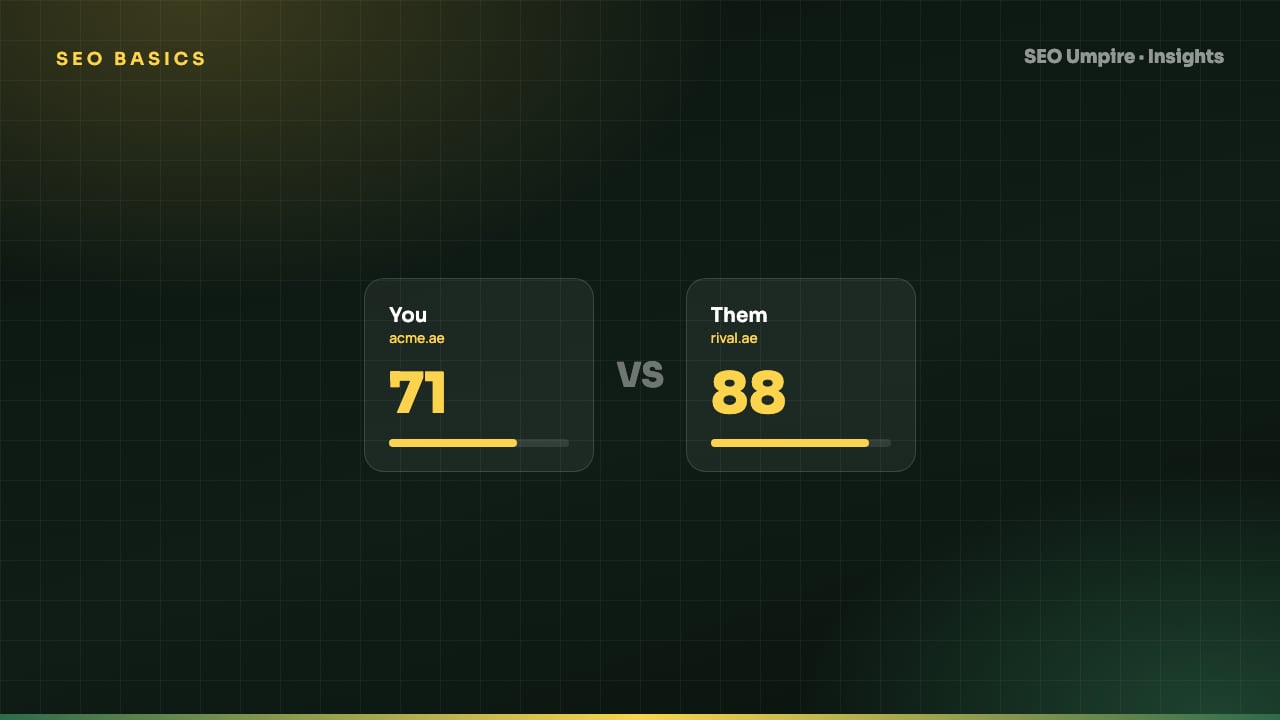
Competitor SEO Analysis: A 7-Step Process to Find Keyword Gaps
Competitor SEO analysis in 7 steps: find your real search competitors, run a keyword gap analysis, compare content, technical health, links and AI citations.
 SEO Basics
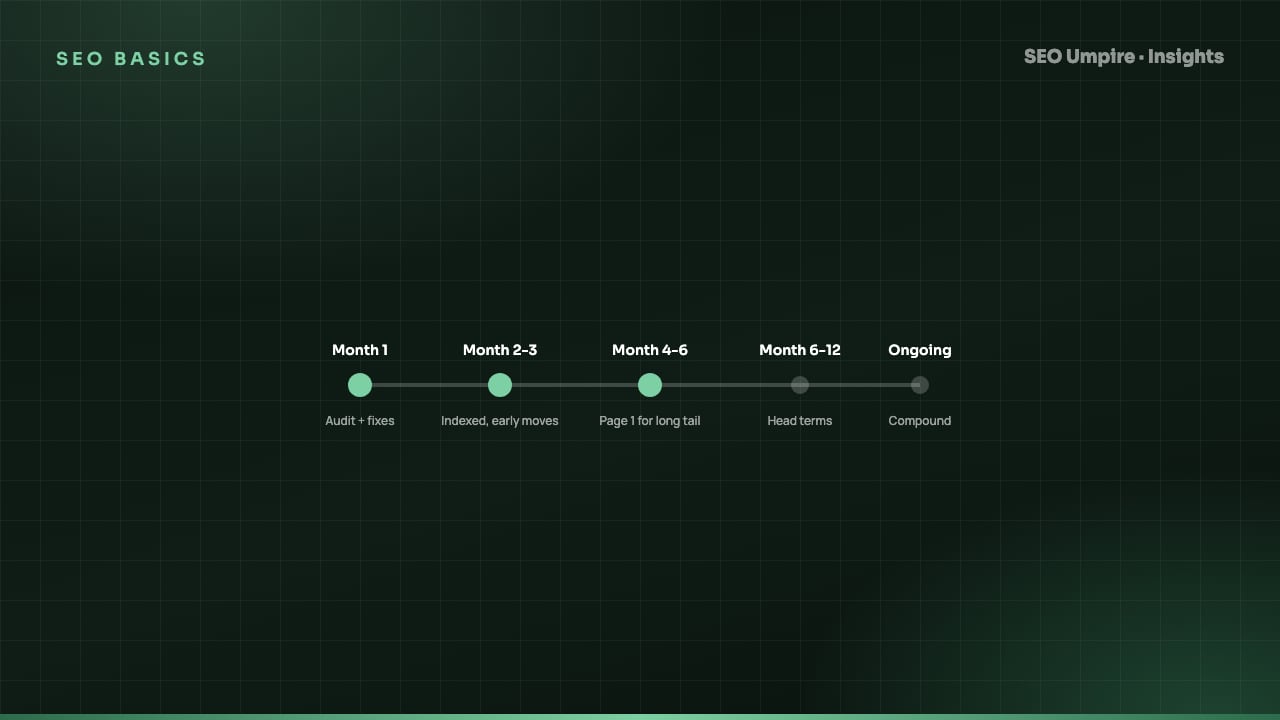
How Long Does SEO Take? Realistic Timelines by Site Type
How long does SEO take? Usually 3 to 6 months for measurable gains and 6 to 12 for competitive keywords. Timelines by site type and tactic, month by month.
 SEO Basics
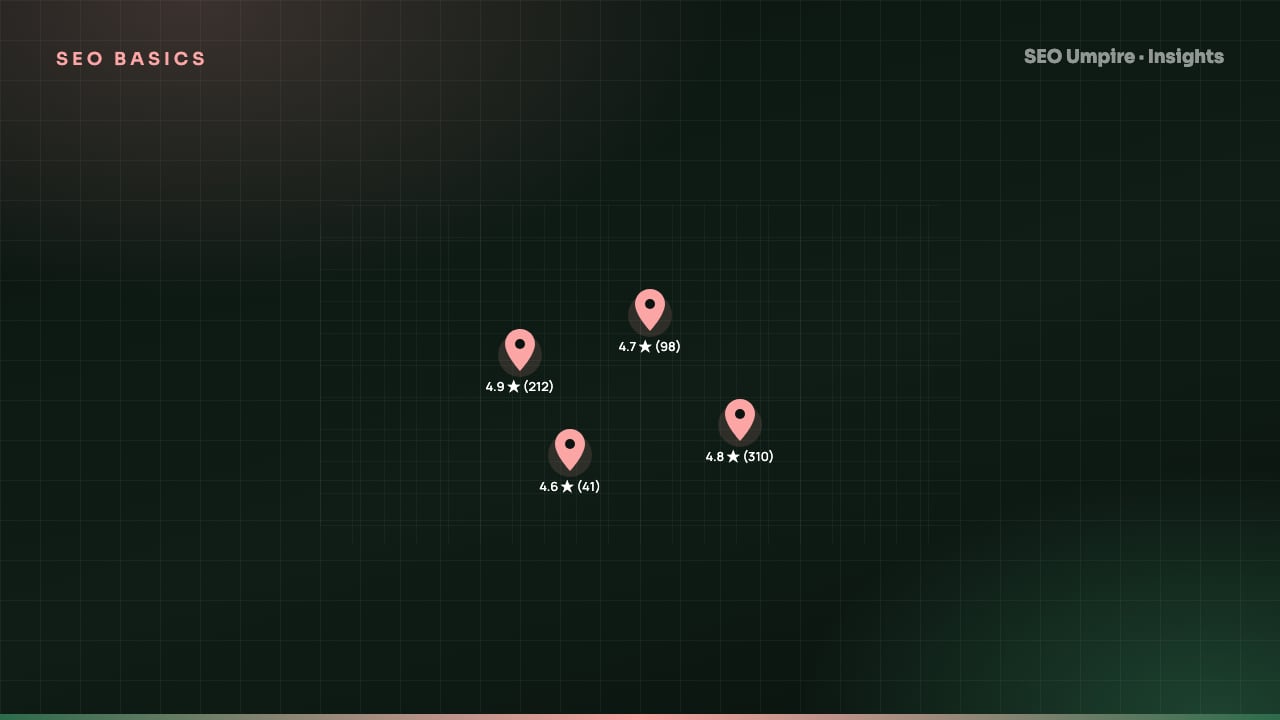
Local SEO Guide: How to Rank in the Map Pack and Local Results
Local SEO explained: how Google ranks the map pack on relevance, distance and prominence, with steps for Business Profile, reviews, citations and schema.
One short email a week: what changed in Google and AI answers, and the fixes that matter. No spam, unsubscribe any time.