

Free SEO Checker: How to Read Your Score and Fix It
A free SEO checker scans one URL for indexing, speed, on-page and schema issues and scores it in under a minute. What each section means and what to fix first.
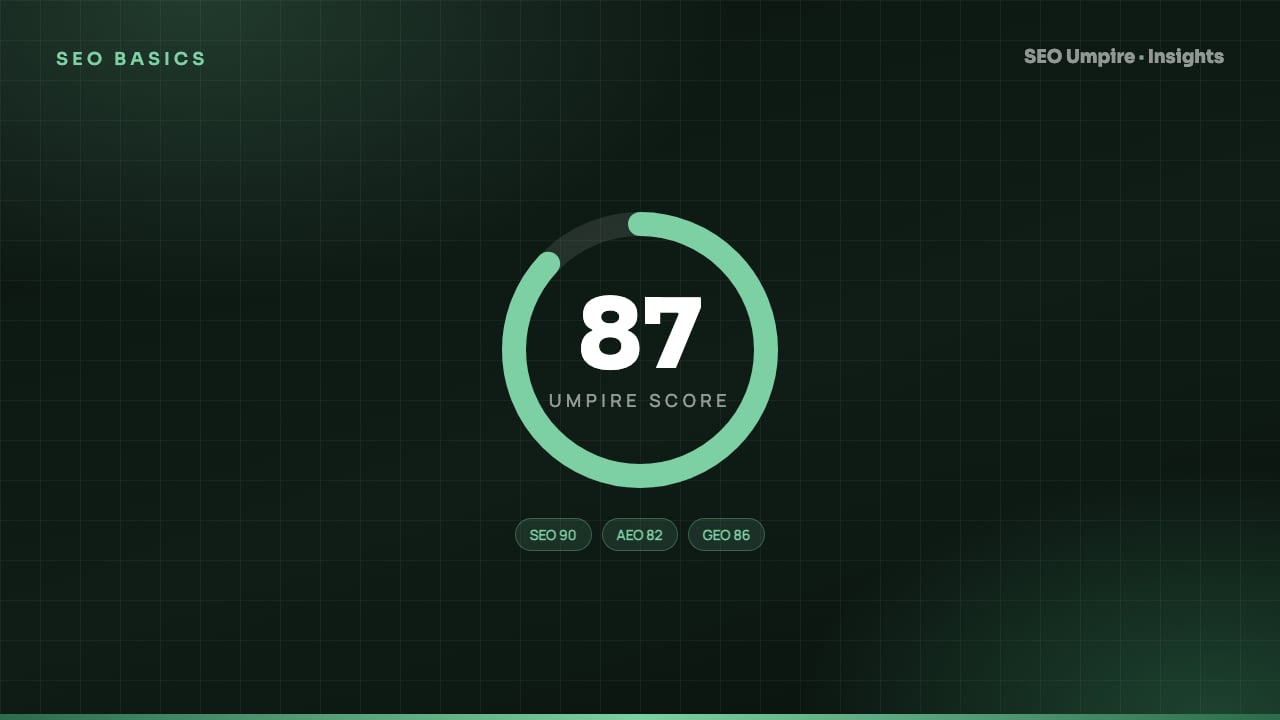
A free SEO checker fetches a single URL the way a search engine bot would, then tests it against a checklist of technical, on-page and performance rules and returns a score, usually out of 100. The score tells you how many rules the page passes; it does not predict rankings. The value is in the itemized findings underneath the number, read in the right order: indexability first, speed second, on-page signals third, structured data last.
This guide explains what each section of a typical report means, how to tell a real problem from noise, and what to fix first.
What does a free SEO checker actually test?
Most checkers, including the SEO Umpire free checker, run six groups of tests on the URL you enter:
- Fetch and status. Did the server respond with a 200? Were there redirects, and how many? Is the page served over HTTPS?
- Indexability. Is there a
noindexin the meta robots tag orX-Robots-Tagheader? Doesrobots.txtblock the URL or its assets? Does the canonical point to this page or somewhere else? - Performance. Largest Contentful Paint, Interaction to Next Paint, Cumulative Layout Shift, total page weight, number of requests, render-blocking resources.
- On-page. Title tag length and uniqueness, meta description, H1 count, heading hierarchy, word count, image
altattributes, internal and external link counts. - Mobile. Viewport meta tag, tap target spacing, font size, horizontal overflow.
- Structured data and social. JSON-LD validity, Open Graph and Twitter Card tags, favicon, language attribute.
Some tools add security headers, hreflang checks and a readability estimate. The groups above are the core, and every reputable checker covers them.
How is the SEO score calculated?
Each rule carries a weight. A noindex on the page might cost 25 points; a missing alt attribute on one decorative image might cost 1. The score is 100 minus the weighted failures. Three consequences follow:
- Two pages with identical scores can have completely different problems. One lost 20 points to a slow server, the other to a missing title and 15 unlabelled images.
- The score cannot see backlinks, content depth or search intent. A perfectly optimized page about the wrong topic scores 100 and ranks nowhere.
- Fixing many small items raises the score faster than fixing one big item. Do not let that steer you. Fix by impact.
Treat the score as a smoke alarm. A low score means something is burning; a high score means the technical basics are in place and the next battle is content and authority.
How to read the results, section by section
Status and redirects
A 200 response with no redirect is ideal. One 301 hop (for example http to https) is fine. Chains of two or more hops waste crawl budget and leak a little link equity at each step. A 302 on a permanent move should be changed to a 301. A 4xx or 5xx means the page is not rankable at all, and the rest of the report is moot until it is fixed.
Indexability
This is the section to read first, every time. If the checker reports noindex, a canonical pointing elsewhere, or a robots.txt block, nothing else on the page matters to Google. The most common causes:
- A staging site setting ("Discourage search engines" in WordPress) left on after launch
- An SEO plugin defaulting archive or custom post types to
noindex - A canonical tag hard-coded in the theme to the homepage
- A
Disallow: /wp-content/rule blocking the CSS and JavaScript Google needs to render the page
Performance
Use Google's thresholds to judge the numbers:
| Metric | Good | Needs improvement | Poor |
|---|---|---|---|
| Largest Contentful Paint (LCP) | 2.5 s or less | 2.5 s to 4.0 s | Over 4.0 s |
| Interaction to Next Paint (INP) | 200 ms or less | 200 ms to 500 ms | Over 500 ms |
| Cumulative Layout Shift (CLS) | 0.1 or less | 0.1 to 0.25 | Over 0.25 |
Lab results from a single run fluctuate, especially LCP, which depends on server response time at that moment. Run the check two or three times and take the median. If the page has enough traffic, Google Search Console's Core Web Vitals report shows real-user field data, which is what actually counts for ranking. The Core Web Vitals guide walks through the usual fixes: image compression and modern formats, preloading the hero image, deferring non-critical scripts, and reserving space for ads and embeds.
Title and meta description
The checker flags a title that is missing, duplicated across pages, or longer than about 60 characters (Google truncates at roughly 600 pixels of width). It flags a meta description that is missing or outside roughly 140 to 160 characters. Length warnings are soft; a 64-character title that reads well beats a 58-character one stuffed with keywords. The title tag length guide covers the detail for both elements.
Headings and content
Expect warnings for zero or multiple H1 tags, skipped heading levels (H2 straight to H4), and low word counts. The H1 rule is less rigid than tools make it sound: Google handles multiple H1s. The real question is whether the heading structure lets a reader, or an answer engine, scan the page and find the answer. Low word count is only a problem if the top-ranking pages for the query are substantially longer and more complete.
Images
Missing alt text is the most frequent finding on any checker. It matters for accessibility, for image search and for giving engines context about the surrounding text. Decorative images can use an empty alt="". Oversized images (a 4,000 pixel photo displayed at 800 pixels) are a performance finding as much as an SEO one.
Links
Internal link count shows whether the page is integrated into the site or sitting as an orphan. Zero or very few internal links pointing in means the page will be crawled rarely and ranked weakly. Broken outbound links hurt user trust and signal a stale page.
Structured data
The checker validates any JSON-LD on the page and reports the types found. Errors (a required property missing, a date in the wrong format) prevent rich results. Warnings about recommended properties are optional. No structured data at all is a missed opportunity rather than a fault; the JSON-LD guide shows which types to add per page type.
What to fix first: a priority order
- Anything that blocks indexing.
noindex, wrong canonical,robots.txtblock, server error. Fix today. - Redirect chains and mixed content. Usually a one-line server config or a find-and-replace.
- LCP over 4 seconds. Compress and resize the hero image, enable caching, consider a CDN.
- Missing or duplicate titles and descriptions. Template-level fix in the CMS or SEO plugin.
- Heading structure and thin content. Rewrite the page against the intent it should serve.
- Alt text, structured data, social tags. Valuable, but they will not rescue a page that fails items 1 to 5.
Why one URL is never enough
A free checker tests one page. Most problems live in templates, so if the product template has a duplicated title pattern, every product has it. Use the single-URL result as a sample, then confirm with a crawl of the full site through a site audit to see how many pages share each finding. That also surfaces the issues a single-page test cannot: orphan pages, redirect loops, sitemap mismatches and cannibalization between pages.
How to turn the score into a process
- Check the homepage, one category or service page, one article and one product page. Those four templates cover most sites.
- Log the date, score and open issues in a sheet.
- Fix in the priority order above.
- Re-check the same URLs after each deployment.
- Watch rankings for the affected pages in a rank tracker for the next four to six weeks. Technical fixes usually show in rankings within two to four weeks of Google recrawling the pages.
Done this way, the checker stops being a vanity number and becomes a regression test you run after every site change.
Frequently asked questions
What is a good SEO score?
Anything above roughly 80 on most checkers means there are no blocking technical errors. Treat the number as a progress indicator, not a target, because it does not measure content quality or backlinks.
Does a free SEO checker check the whole website?
Most free checkers test one URL at a time. To find template-wide or sitewide issues you need a crawler that follows internal links, such as a site audit tool.
Why does my SEO score change between runs?
Speed metrics vary with server load and network conditions, and some checkers sample different device profiles. Run the test two or three times and use the median.
Is an SEO checker the same as Google PageSpeed Insights?
No. PageSpeed Insights measures performance only. An SEO checker adds indexability, meta tags, headings, links, images and structured data on top of speed.
Free audit, 32 checks, prioritized fixes and a PDF report in about 15 seconds. No signup.
Keep reading
 SEO Basics
Competitor SEO Analysis: A 7-Step Process to Find Keyword Gaps
Competitor SEO analysis in 7 steps: find your real search competitors, run a keyword gap analysis, compare content, technical health, links and AI citations.
 SEO Basics
How Long Does SEO Take? Realistic Timelines by Site Type
How long does SEO take? Usually 3 to 6 months for measurable gains and 6 to 12 for competitive keywords. Timelines by site type and tactic, month by month.
 SEO Basics
Local SEO Guide: How to Rank in the Map Pack and Local Results
Local SEO explained: how Google ranks the map pack on relevance, distance and prominence, with steps for Business Profile, reviews, citations and schema.
One short email a week: what changed in Google and AI answers, and the fixes that matter. No spam, unsubscribe any time.