

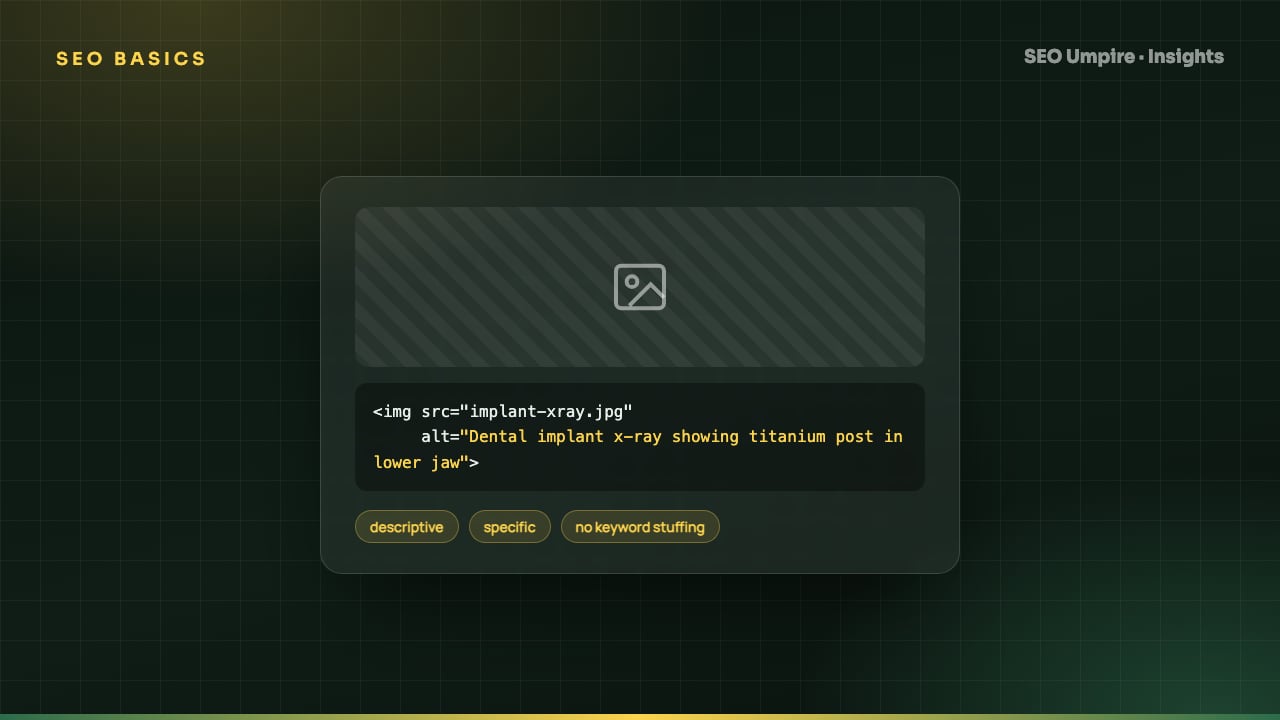
Image Alt Text SEO: How to Write Alt Text That Ranks
Image alt text is the HTML alt attribute describing an image for screen readers and search engines. How to write it, when to leave it empty, and full image SEO.
Image alt text is the alt attribute on an <img> tag: a short written description of what the image shows, read aloud by screen readers and used by search engines and AI systems to understand the image. Good alt text is a plain sentence of about 5 to 15 words that describes the image in the context of the page, includes a keyword only when the picture is really about it, and is left empty (alt="") for decorative images. This guide covers the writing rules, the exceptions, the rest of image SEO and how to audit a site's images.
What is alt text and who uses it?
Three audiences read the alt attribute:
- Screen reader users. The text is announced in place of the image. Without it, the reader says the file name, which is useless.
- Search engines. Google uses alt text, the file name, the caption and the surrounding text to decide what an image is and whether to show it in Google Images or in the image pack on a web search.
- AI systems. Multimodal models and AI crawlers read alt text as a label for the image, which helps them describe or cite your page accurately, and machine-readable context matters more each year.
Browsers also display alt text when an image fails to load, so it is a fallback for users on slow connections.
How do I write good alt text?
Follow these rules in order:
- Describe what the image shows, specifically. "Golden retriever puppy sitting on a wooden porch" beats "dog".
- Add the purpose when it matters. If the image is a chart, say what it shows: "Line chart of organic traffic rising from 2,000 to 9,500 visits over six months". If it is a screenshot of a UI, name the screen and the state.
- Include the keyword only when accurate. A product photo on a page targeting "waterproof hiking boots" can say "Brown waterproof hiking boots with Vibram sole". A stock photo of a mountain on the same page should not mention boots.
- Keep it to roughly 5 to 15 words. Some screen readers truncate around 125 characters. Put the important words first.
- Skip "image of" and "picture of". Screen readers already announce the element as a graphic.
- Match the surrounding text. Alt text that contradicts the caption or paragraph confuses both readers and crawlers.
- Text in the image goes in the alt text. If the image is a quote card or a banner with words, reproduce the words.
- Use sentence case and normal punctuation. It is read aloud, so write it to be heard.
Alt text examples: weak vs strong
| Image | Weak alt text | Strong alt text |
|---|---|---|
| Product photo | shoe | Black leather Chelsea boot with elastic side panel |
| Dashboard screenshot | screenshot | SEO checker results page showing a score of 82 and six warnings |
| Chart | graph | Bar chart comparing LCP of 1.9s before and 3.4s after adding a hero video |
| Team photo | team | Five SEO Umpire engineers at a standing desk reviewing a site audit |
| Decorative divider | divider line graphic | `` (empty) |
| Logo in header | logo | SEO Umpire (the brand name, since the logo stands for it) |
When should alt text be empty?
Use alt="" when the image adds no information a reader would miss: background textures, spacer graphics, decorative icons next to text that already says the same thing, and repeated thumbnails whose caption carries the meaning. An empty alt tells screen readers to skip the image. A missing alt attribute is different and worse: the reader falls back to the file name or the word "image".
If an image is wrapped in a link and there is no other text in the link, the alt text becomes the link text, so it must describe the destination: "Open the pricing page" rather than a description of the icon.
What else is part of image SEO?
Alt text alone does not make images rank. The full set:
- Descriptive file names.
waterproof-hiking-boot-brown-side.jpg, notIMG_4821.jpg. Lowercase, hyphens, 3 to 6 words. - Compression and modern formats. WebP or AVIF, with JPEG fallback where needed. Hero images under about 150 KB on mobile; content images under 100 KB where possible. This is the single biggest lever for LCP; see the Core Web Vitals guide.
- Responsive sizing.
srcsetandsizesso phones download a 400 pixel image, not a 2000 pixel one. Explicitwidthandheightattributes prevent layout shift. - Lazy loading below the fold only.
loading="lazy"on images the user scrolls to; never on the LCP image. - Captions where they help. Captions are read far more than body text and give crawlers more context.
- Structured data.
ImageObjectinside Article or Product schema, withcontentUrl,width,heightand acaption. - Image sitemap. For image-heavy sites, include images in the XML sitemap with
image:imageentries so Google discovers them. Our XML sitemap and robots.txt guide shows the format. - Crawlable image URLs. Do not block the image CDN or uploads folder in robots.txt, and keep image URLs stable; changing them resets image rankings.
- Original images where possible. Stock photos that appear on thousands of sites rarely rank in Google Images and add nothing for AI systems. Product shots, screenshots, charts and diagrams do.
How do I audit alt text across a whole site?
- Crawl the site with a tool that lists every
<img>with its alt value, file size and dimensions. The site audit tool reports images with missing alt, empty alt, alt over 125 characters and alt identical to the file name. - Sort by page importance (traffic or revenue) and fix the top pages first.
- For each page, classify every image as informative, functional (inside a link or button), text-bearing or decorative, and write or empty the alt accordingly.
- Rename files on upload going forward; renaming existing live files breaks URLs unless you redirect them, so weigh the benefit per image.
- Re-crawl and confirm zero missing attributes.
- Check Google Search Console's Performance report with the search type set to Image after 4 to 8 weeks to see which images gained impressions.
The free SEO checker flags images without alt on any single URL, which is a quick way to check a page before publishing. If you publish on WordPress, the SEO Umpire plugin warns in the editor when an image is inserted without alt text and can draft a description from the image for you to edit.
What alt text mistakes hurt SEO or accessibility?
- Keyword stuffing.
alt="seo tools best seo tools seo checker free seo"is spam to Google and gibberish to a screen reader user. - Identical alt on every image. Galleries where each image says "product image" give no information.
- Alt that repeats the caption word for word. A screen reader user hears it twice. Make them complementary.
- Missing alt on linked images. The link becomes unlabeled.
- Describing the file instead of the content.
alt="hero-banner-v3-final.jpg"is an automatic CMS default that should be overwritten. - Putting important content only in images. Text in an image is invisible to search unless repeated in alt or body text. Key facts belong in HTML.
Image alt text is one line in the broader on-page SEO checklist, but it is the line most sites get wrong at scale, and the fix is one of the fastest wins for both accessibility and image search traffic.
Frequently asked questions
How long should alt text be?
Aim for 5 to 15 words, up to about 125 characters. Some screen readers pause or truncate around that length. Describe what matters about the image in context; leave out "image of" or "picture of" because the screen reader already announces it as an image.
Should I put keywords in alt text?
Only when the image genuinely shows the thing the keyword names. A photo of a rank tracking dashboard can say "rank tracker dashboard showing position changes". Stuffing unrelated keywords into alt text hurts accessibility and can be treated as spam.
Do I need alt text on every image?
Every image needs an alt attribute. Informative images get descriptive text; purely decorative images get an empty value, alt="". A missing attribute makes screen readers read the file name aloud, which is the worst outcome.
Does alt text affect rankings?
Directly, alt text is a modest signal for Google Images and helps Google understand the page. Indirectly, it supports accessibility, which affects engagement and compliance. It is cheap to do well and the image traffic can be significant for product and visual content.
Free audit, 32 checks, prioritized fixes and a PDF report in about 15 seconds. No signup.
Keep reading
 SEO Basics
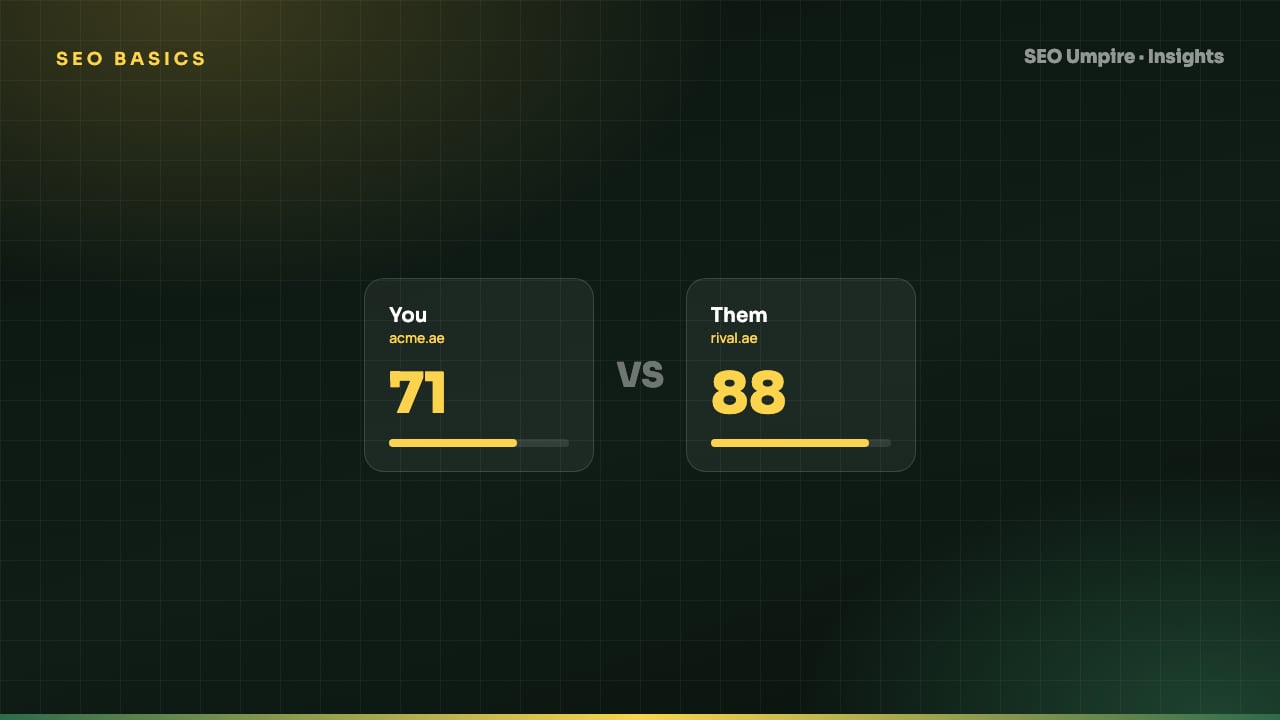
Competitor SEO Analysis: A 7-Step Process to Find Keyword Gaps
Competitor SEO analysis in 7 steps: find your real search competitors, run a keyword gap analysis, compare content, technical health, links and AI citations.
 SEO Basics
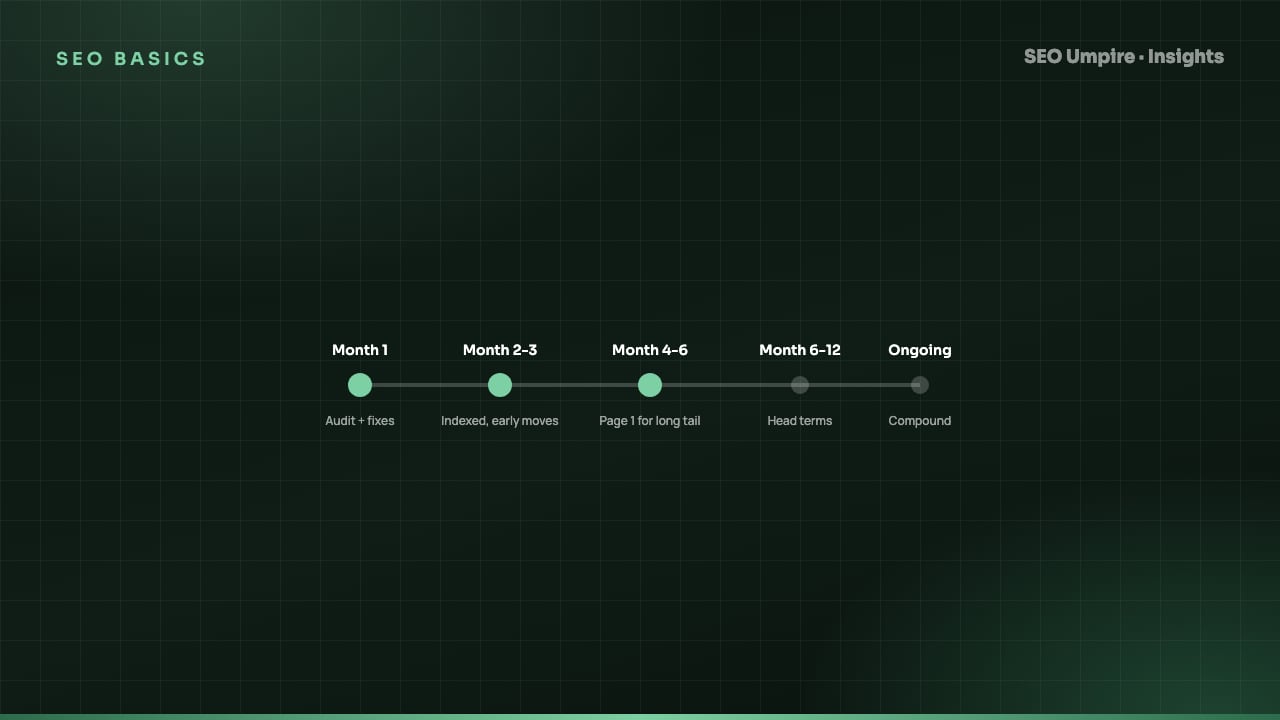
How Long Does SEO Take? Realistic Timelines by Site Type
How long does SEO take? Usually 3 to 6 months for measurable gains and 6 to 12 for competitive keywords. Timelines by site type and tactic, month by month.
 SEO Basics
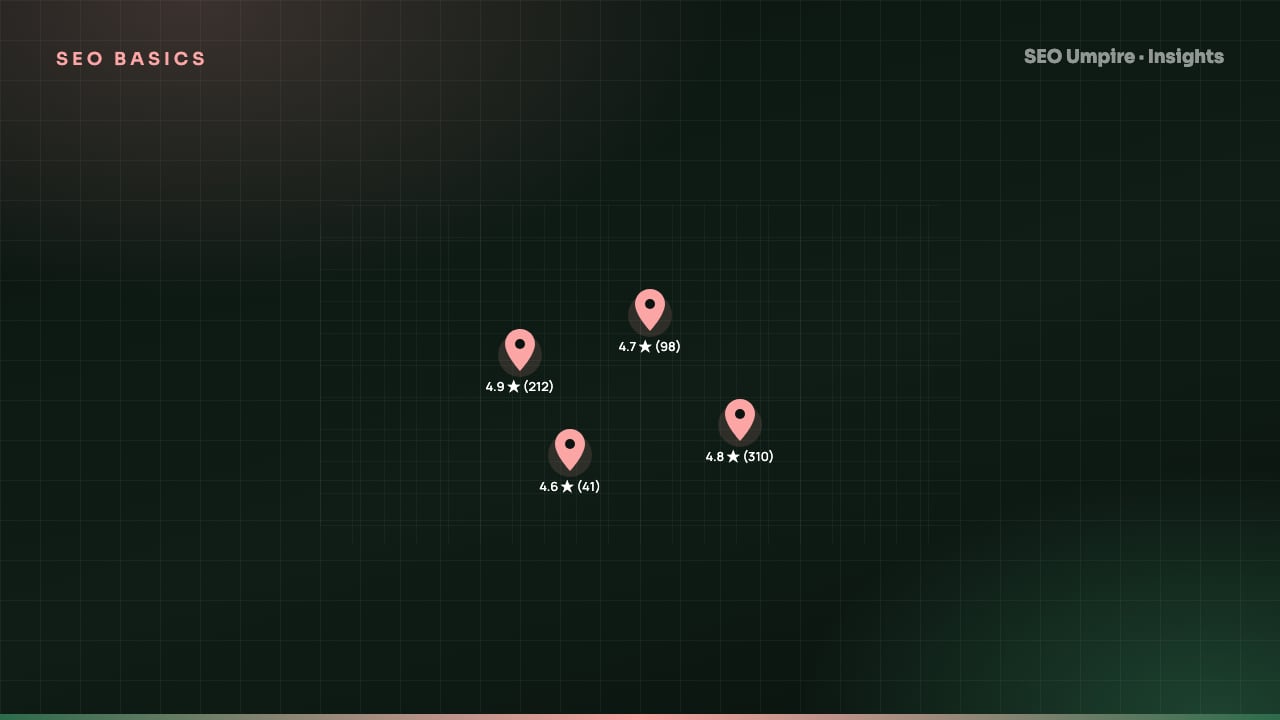
Local SEO Guide: How to Rank in the Map Pack and Local Results
Local SEO explained: how Google ranks the map pack on relevance, distance and prominence, with steps for Business Profile, reviews, citations and schema.
One short email a week: what changed in Google and AI answers, and the fixes that matter. No spam, unsubscribe any time.